Actually it does tell you where the police are, red light cameras, static traffic enforcement, and it tells you where the accidents are, it does give you the flow of traffic, the gas stations, the emergency vehicles, and everything is up to date constantly.
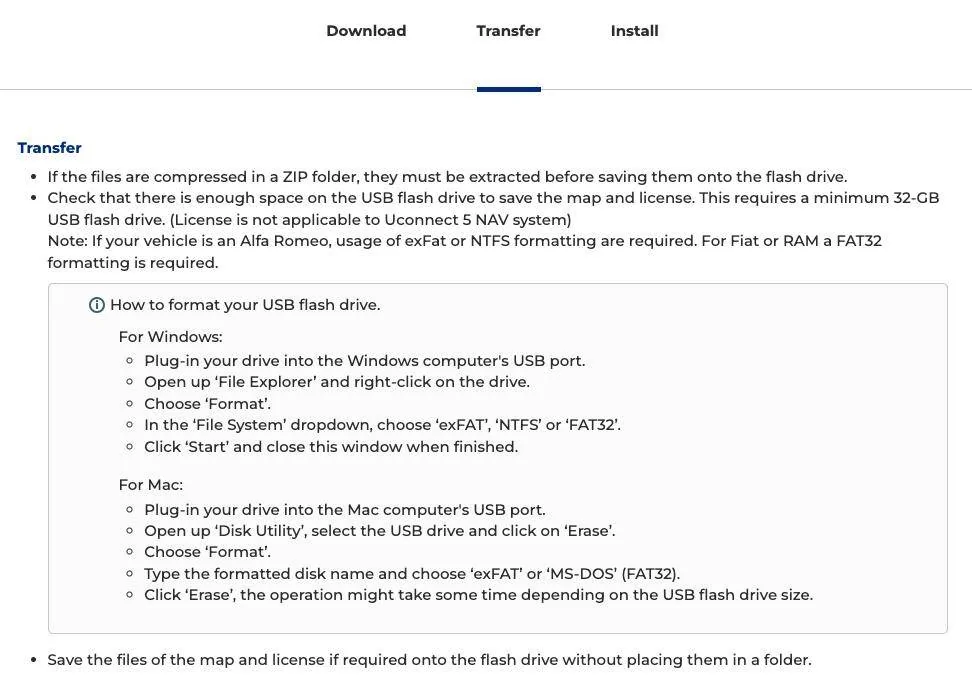
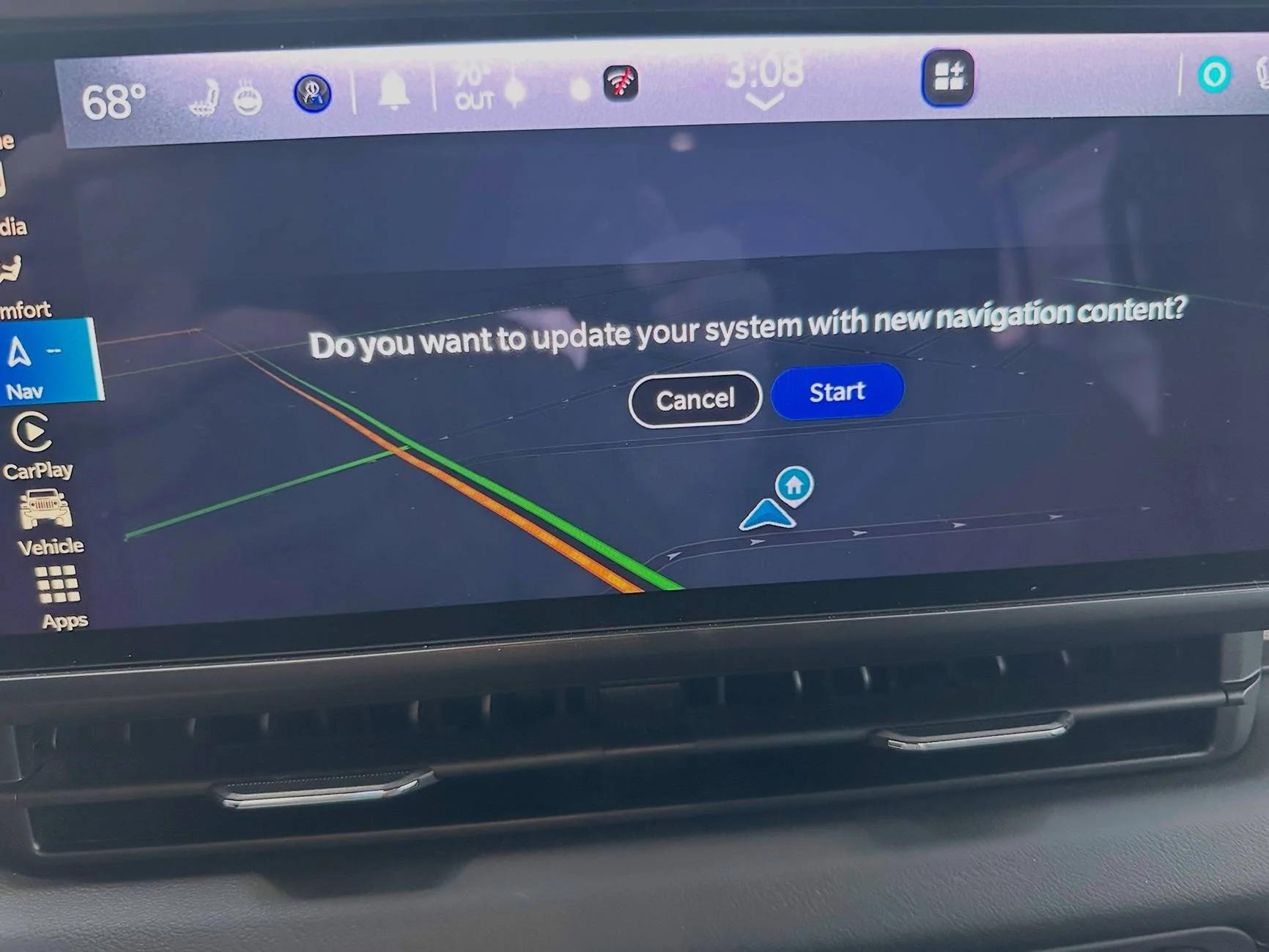
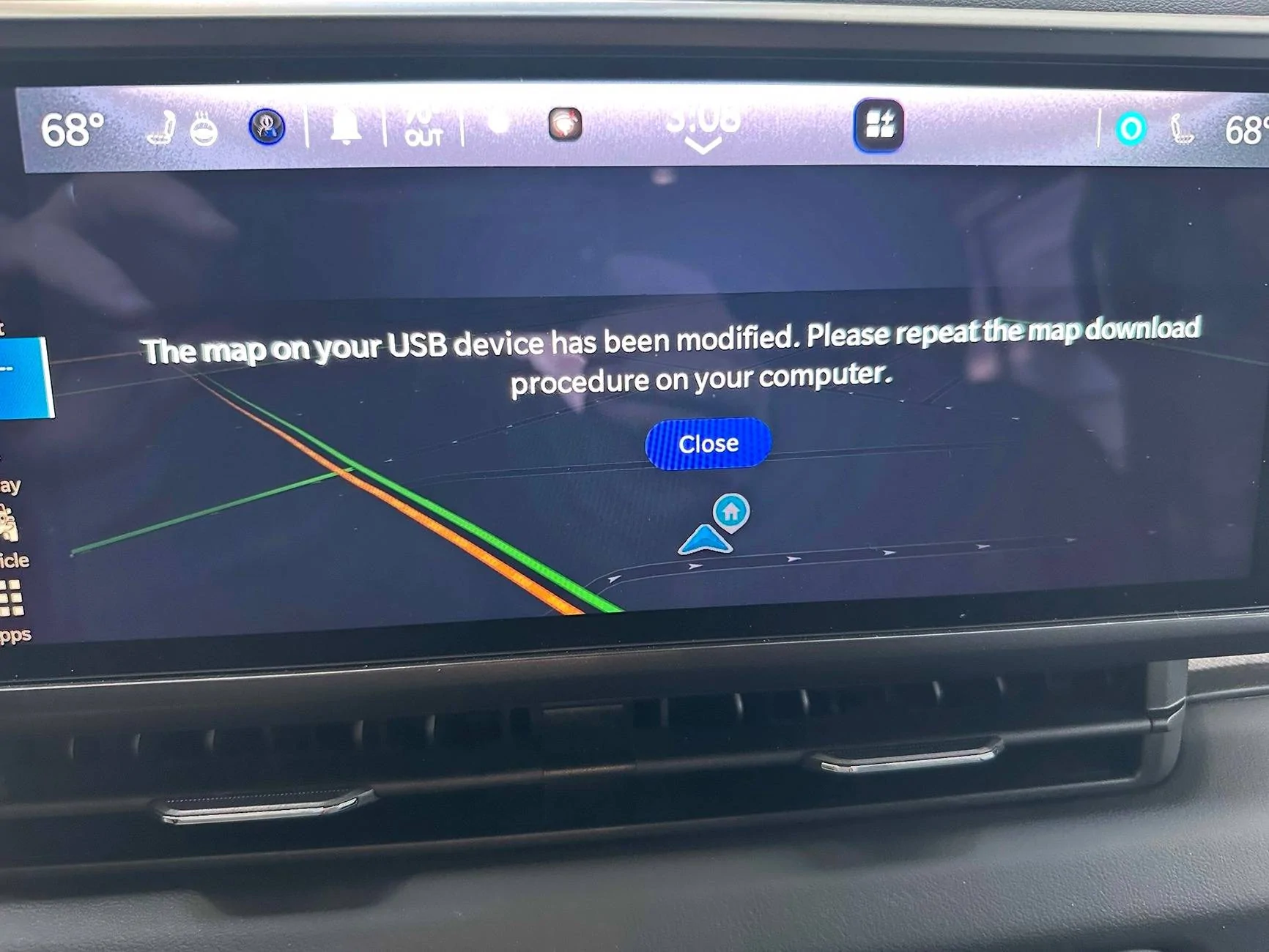
Well, as it turns out, you are right. Despite the official documentation, the issue was that it was not formatted as Fat32. When I reformatted as Fat32, it now recognizes the USB drive, however there's a new problem:
I thought the issue might be because I initially formatted through MacOS disk utility, so I reformatted it through Windows 11 then redownloaded and copied the files. No joy though as I get the same error.
@JeepCares
I thought the issue might be because I initially formatted through MacOS disk utility, so I reformatted it through Windows 11 then redownloaded and copied the files. No joy though as I get the same error.
One last try, did a full format through windows (not the "quick format", downloaded the zip file in windows, then unzipped in Windows and copied to the USB drive. The map updates are now loading ...