El ED
Active Member
- First Name
- Ed
- Joined
- Mar 15, 2018
- Threads
- 5
- Messages
- 30
- Reaction score
- 16
- Location
- California
- Vehicle(s)
- 2017 Renegade
Do You know which pin is the ACC or radio on wire?There was little information available (at the time of this original post) regarding audio wiring schematics for the JL. This thread was put together to serve as a single location for us to build upon. I'll update it periodically until this project is finished (FYI, it's now complete!).
Prior Needs:
Updates added:
- Wiring Schematic, including specific wire colors
- Base System (Solved - See below) - The Speaker Wiring Schematic is now provided to help identify positive/negative polarity
- Alpine System (Solved - See below)
- Override UConnect resistor test (UConnect checks for the stock speaker resistance and turns individual outputs off if not "seen." (Solved - See below)
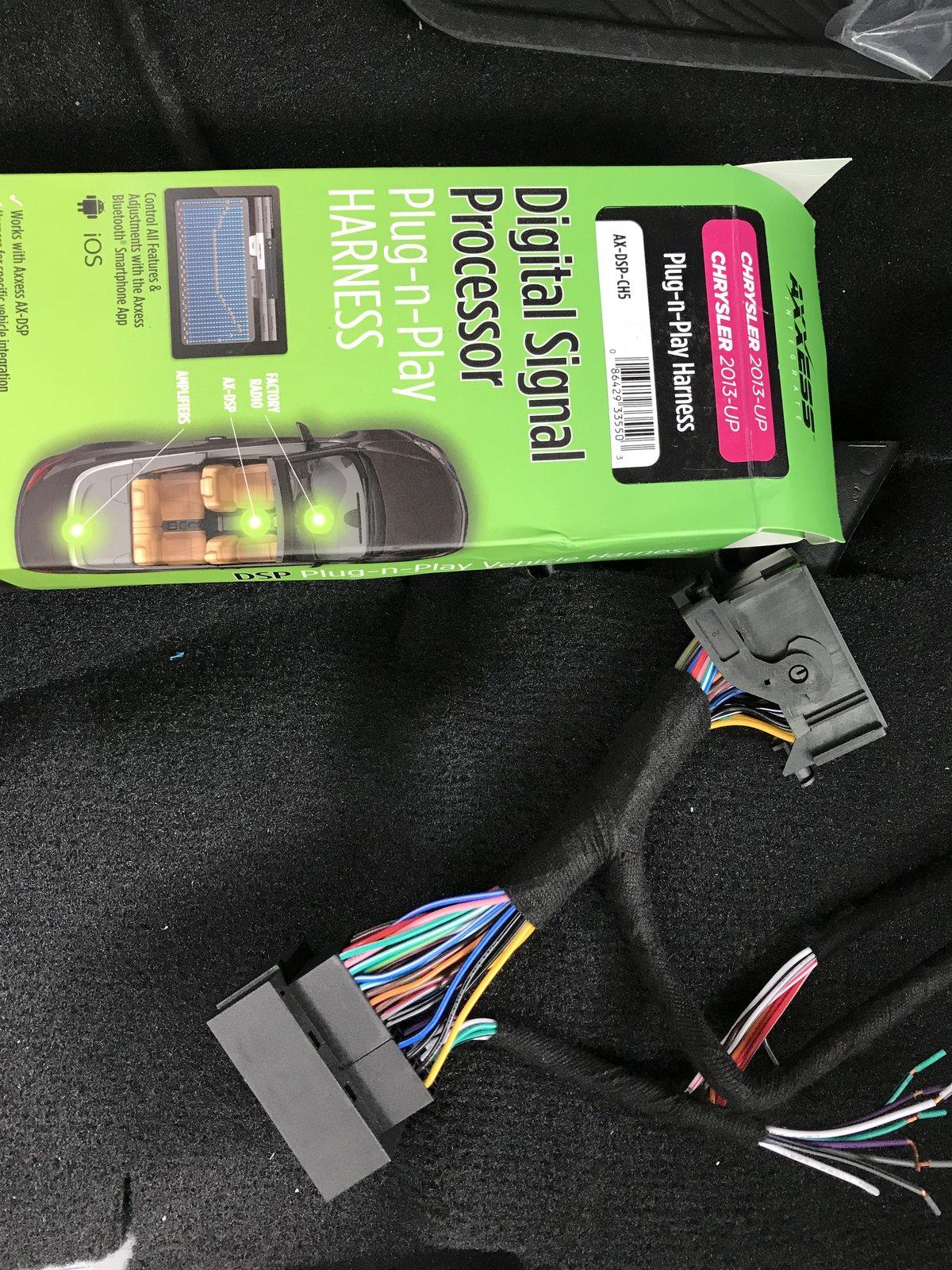
A Speaker/Line level converter is needed: JL Audio makes a great, albeit expensive, aftermarket sound processor: the JL Audio FiX™ 86. This device digitally processes and condition the speaker level signals. It provides a more balanced pre-amp/low-level signal for multiple amplifiers (two full range/one sub). JL Audio also makes a two channel line-level converter, but the cost difference isn't worth the limited future upgrade-ability.
In addition to the line level converter, the uConnect system has to be "tricked" into sending a signal to each speaker. In short, the Jeep's uConnect system checks for the proper Ohm load (resistance) supplied by our stock speakers. If it doesn't detect the proper resistance, uConnect turns that speaker's signal off. To override this, I've found only one option that works. Here's a great article on the topic: Everything is hooked up but no sound is playing, just don't buy the Audio Control AC-LGD device it discusses. I'll elaborate...
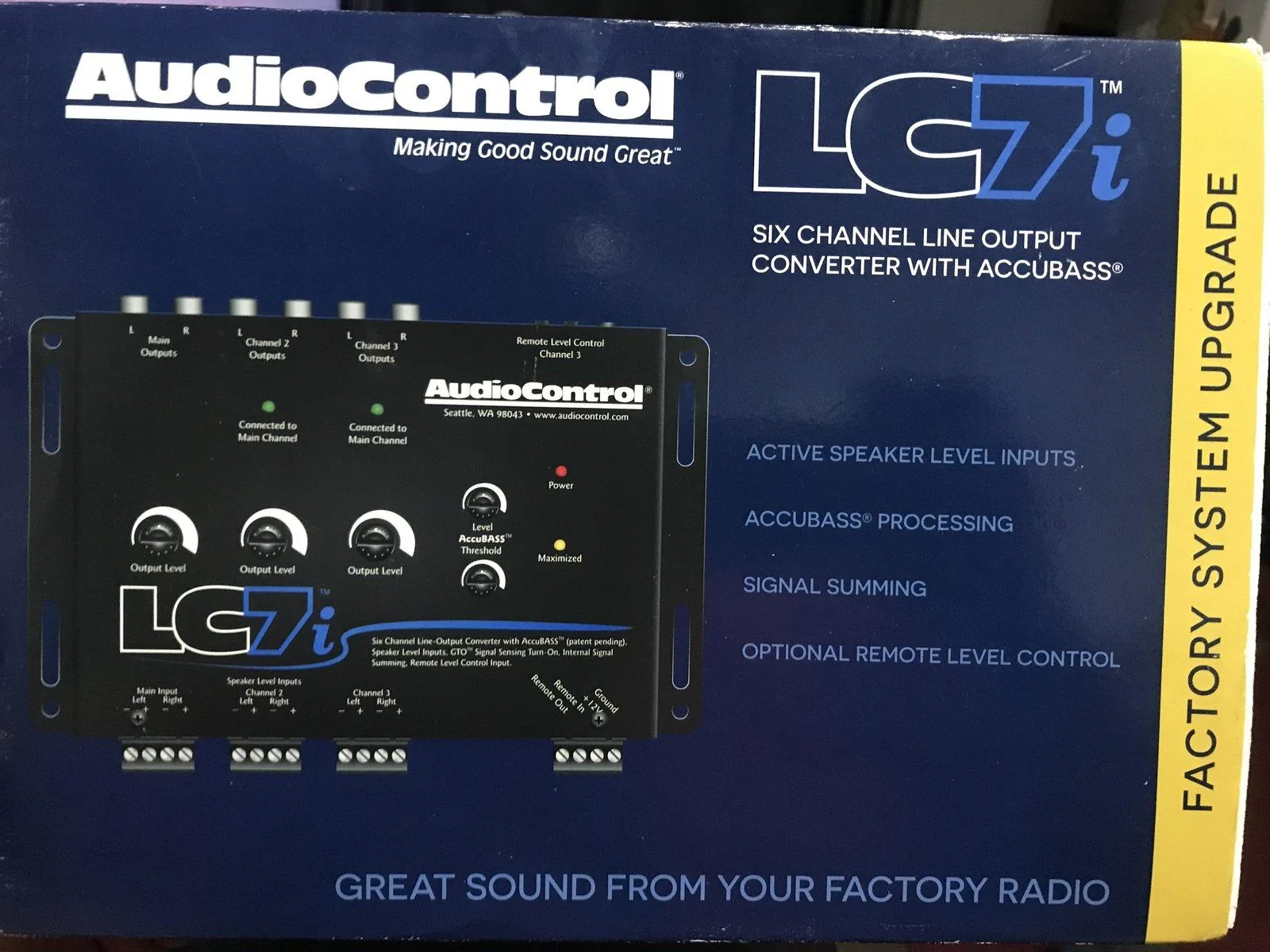
I tried the AudioControl AC-LGD device, and it worked... sporadically. Evidently the resistance tolerances for the AC-LGD were too narrow causing it to work sometimes, and not others.
The JL Audio FiX-LSA-4 (a device similar to the AudioControl AC-LGD, but made by JL Audio) didn't work at all with the Jeep's load sensing issue. I spoke with a JL Audio tech, and this seems to be a known issue they'll likely address soon. The reason appears to be related to a difference in the Ohm load our stereo systems require vs. others.
This leads us to the third and functional option for overriding the load sensing issue.
Here's the only currently known way to override the load sensing needs of UConnect, until JL Audio and AudioControl get this figured out. Heads-up, it is VERY EASY to do and requires light soldering:
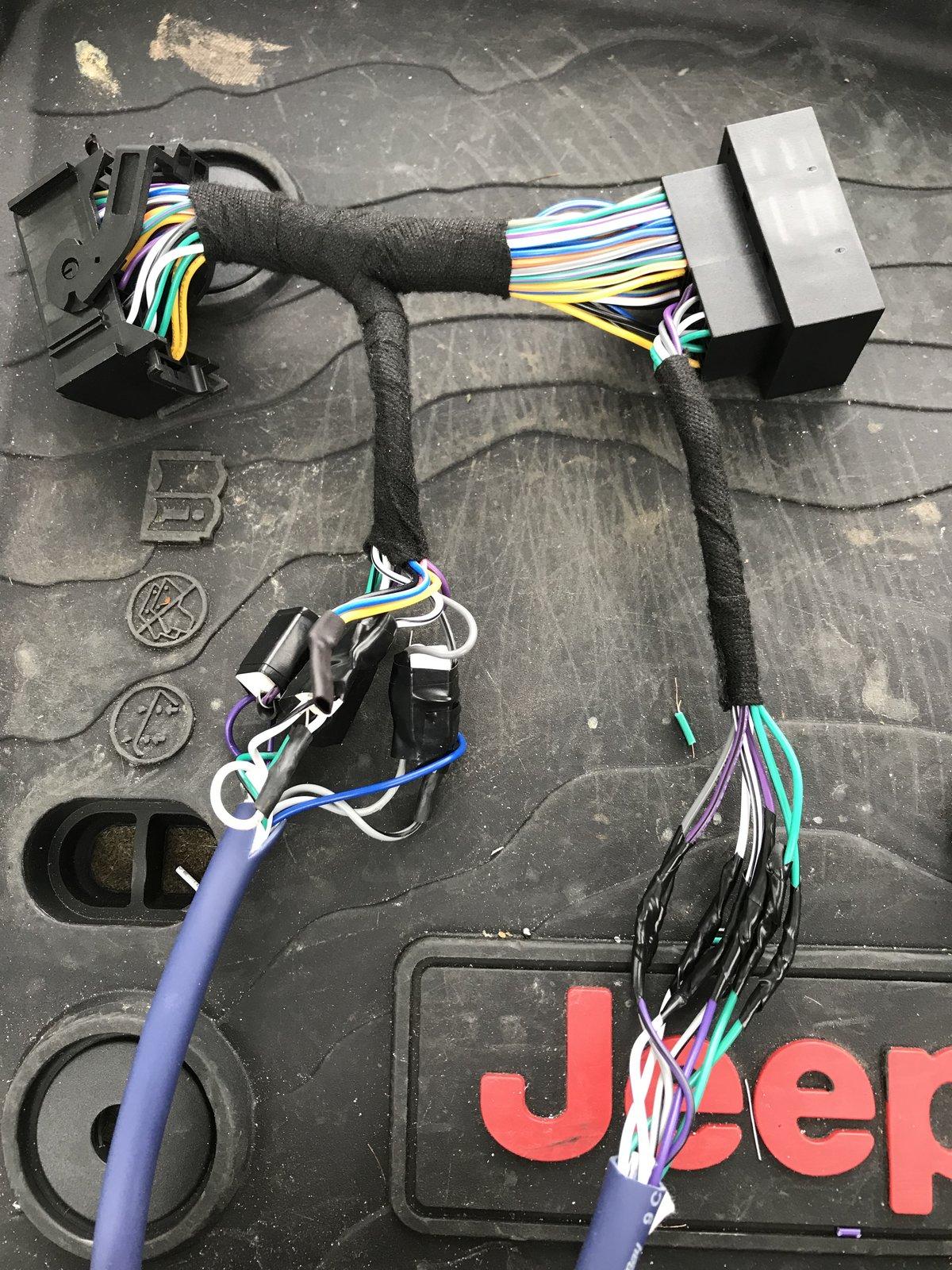
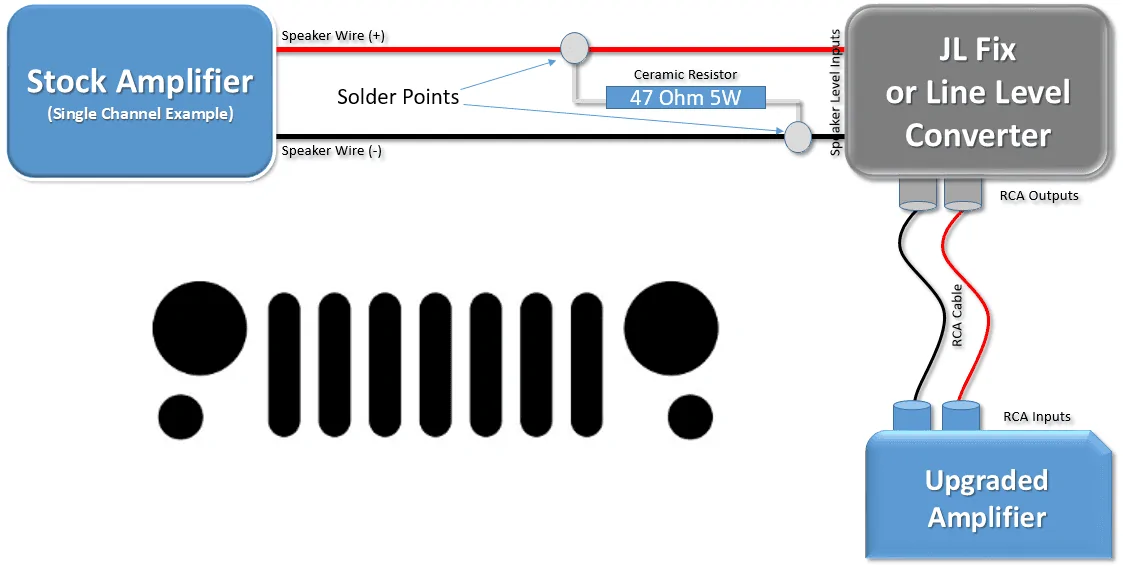
Talking with the techs at PAC, and confirming via online references, a 47 OHM, 5 Watt Ceramic Resistor can be soldered to each pair of speaker level input wires feeding the JL Audio FiX™ 86.
I tried this process and it does work. You can order them here, and you'll find that they are very inexpensive. If you go this route, I recommend buying several more than you need, just in case you break a few.
Each resistor is soldered to the (+) and (-) stock speaker wiring pair that you'll use to feed each line level converter input. If you're running a 4 channel amp, you'll need to purchase at least 4 resistors. Once again, this tricks the uConnect system into thinking the stock speakers are still there, allowing the system to turn each channel on without having the stock speaker attached. A home-made schematic of this resistor setup is included below.
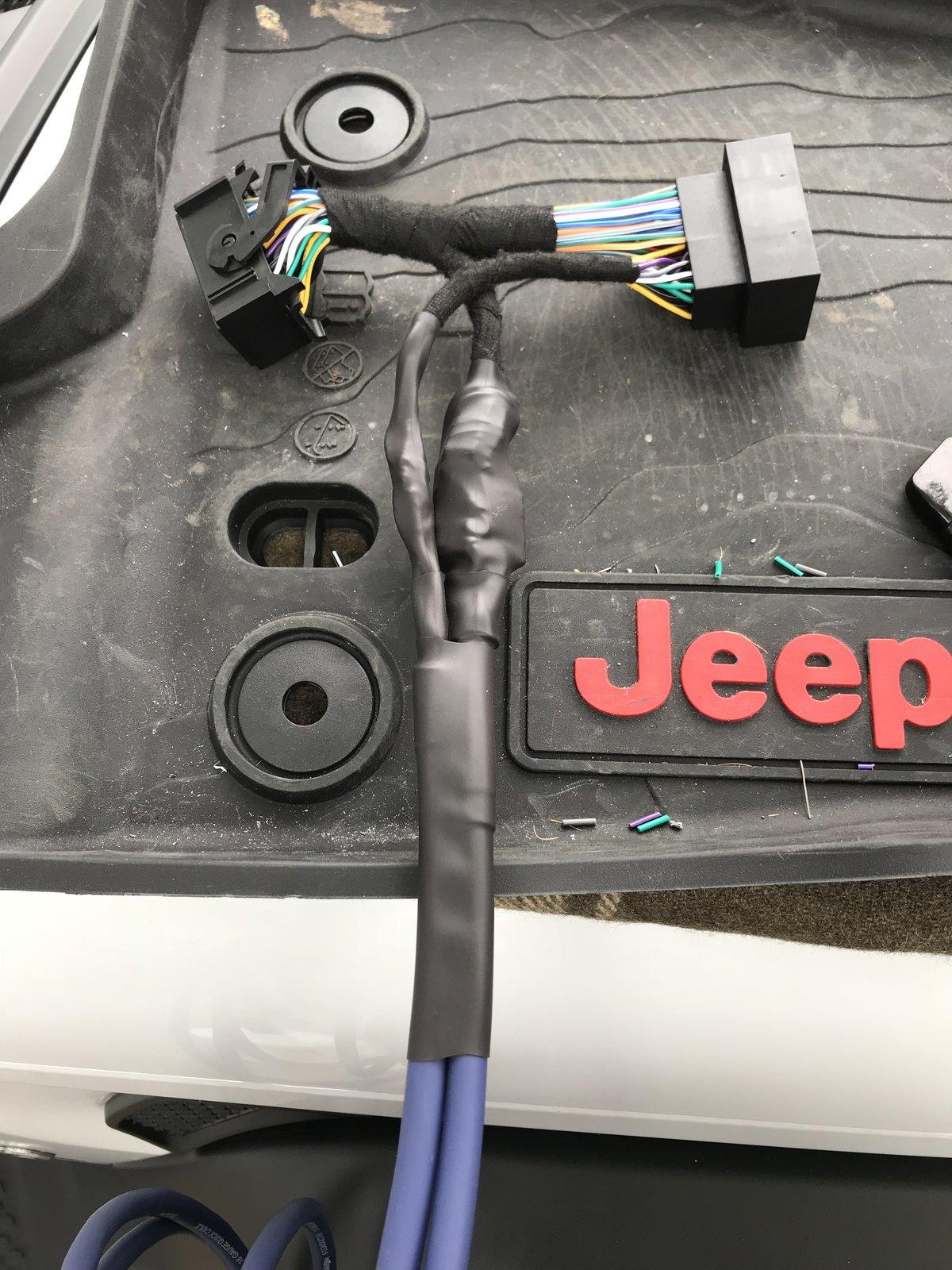
For the speaker level inputs of the line output converter, I tapped into the front speaker level outputs directly behind the Base System's radio. Those wires were extended and run through the middle console to the back of the Jeep where my amps are. Once again, wiring colors are available below. I tapped into the rear speaker wires in the pillar behind the passenger seat at the floor level. They are easy to find, by removing the plastic cover at the base of the pillar. The speaker wires are the only twisted pair wires, and they match the colors in the chart provided.
______________________________________________________
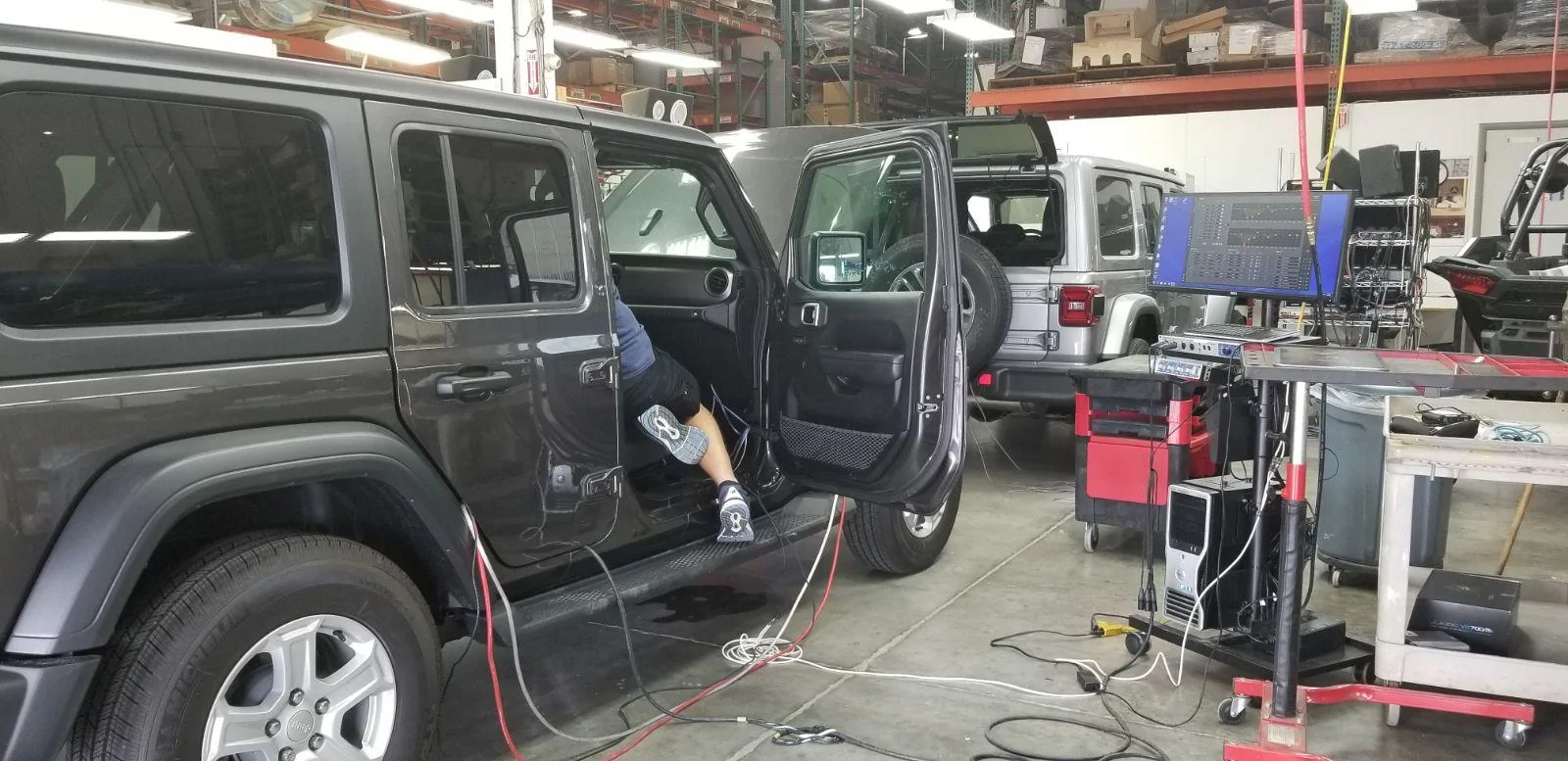
I have now successfully finalized my install, and it sounds amazing! Here are several additional details you may find helpful if the above hasn't scared you away yet...
On the Base System, there are four 4-inch speakers and four small tweeters. I have now upgraded the Sound Bar to 5.25-inch coaxial speakers, and the kick panels were upgraded to 5.25-inch separates (Separate Woofer and Tweeter). All are Hertz Energy series.
Modifying the Soundbar to accommodate larger speakers is fairly straight-forward. It takes some time/skill with a Dremel tool to enlarge the speaker cavity. You can fit a decent pair of mid-range coaxial speakers up there, or you could choose separates. Each rear channel in the sound bar has a mid-range speaker and a separate tweeter already, so separates are possible.
You can also purchase 3 Sets of Metra 72-6514 Speaker Wire Adapters for a simple connection to the stock harness without cutting your wires inside of each speaker enclosure. However, if you're planning to use amps, you'll need to cut the wires at some point.
Note, I rate upgrading the Sound Bar speakers as an "intermediate" level install. That is, if you up-size your speakers. The Kick Panel speaker enclosure fabrication to increase speaker size should be viewed as an "advanced" level install. To up-size the speakers in the kick panels, you have to remove a significant portion of the dash and panels to access the self contained speaker boxes.
Side note: All of the speakers in this system come factory installed in ported enclosures. That's how these little stock speakers sound slightly better than they should.
Further, the driver's side speaker enclosure, while a tough upgrade when up-sizing, requires that you cut and reinforce certain areas of the enclosure with silicone and/or excess sound deadening material. And, a word to the wise.. You must modify the enclosure while ensuring you leave enough speaker clearance when you reinstall the modified enclosure. Said another way, make sure the speaker won't hit the kick panel when installed.
The passenger side's enclosure is a nightmare to up-size. The mounting surface for the stock speaker is recessed, and the cuts you need to make essentially remove a portion of the enclosure, which includes the mounting location of the stock speaker. You have to fabricate new mounting location and it needs to be reinforced. I constructed an ad-hoc mold that allowed the speaker to mount/seal cleanly to the box. If you go this route, definitely check for clearance with the kick panel before cutting and modding the enclosure. The new speaker will rest higher and closer to the kick panel's grille.
In case the above didn't generate enough concern about taking on this challenge yourself... I want to caution you by sharing this is an upgrade I wouldn't necessarily recommend performing yourself, unless you have a comfort level with basic fabrication, and a ton of patience.
There is also a calibration process with the JL Audio FiX™ 86 that takes some patience, as you must be 100% successful in "tricking" all four channels of the uConnect system into turning themselves on. If it doesn't work, meaning all channels didn't come on and all 4 lights aren't green during the calibration, you should check your wire connections and possibly your solder point for the resistor. I had one resistor that didn't work.
If the calibration process fails, you have to power down the receiver (key off) until the radio fully resets, gives you the disclaimer screen, and reboots. This is due to the fact that once the system detects a stock speaker isn't there, and the override isn't functioning (for whatever reason), it has to be completely powered down and allowed to reset before it will start a new load sensing test. On the plus side, once everything is connected and calibrated, you can plug your laptop or phone into the JL Audio FiX™ 86 to tweak the settings and EQ.
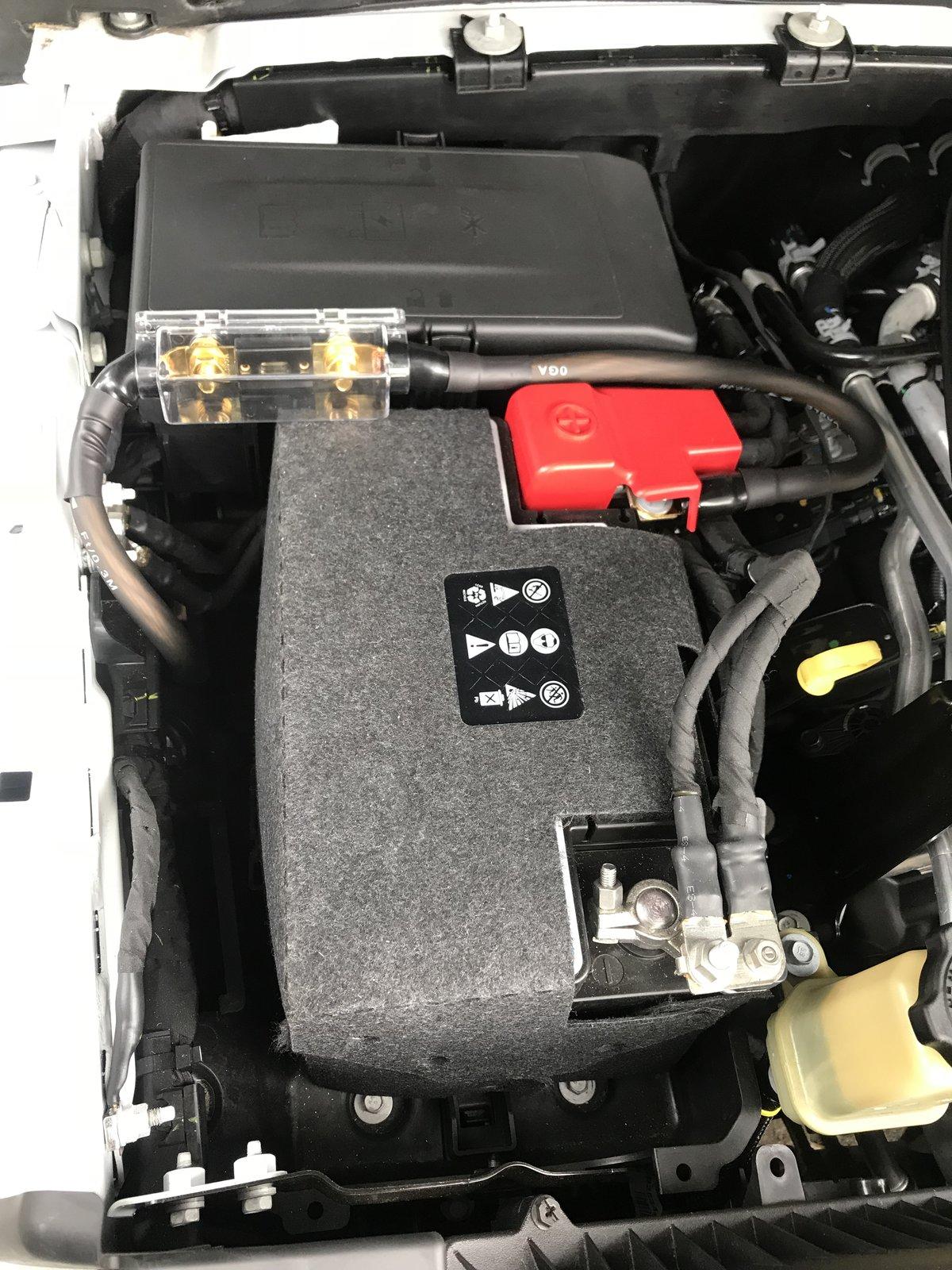
As with anything aftermarket, please understand you are taking any install advice provided here into your own hands, and at your own risk. I have to recommend that any power wiring, especially when wiring directly to the battery, be fused at the battery/source. In the case of a short, this blows the fuse instead of creating a new welding source! I also recommend using basic relays for your remote connections, which reduces the risk of feeding power back into your Jeep's electrical system due to a faulty amplifier or component.
Thanks,
Mike
Base System Speaker Wiring provided by Benny (a.k.a. Jeep Cares)
For those who may also need these color codes, the following is what the chart says. Remember, this is what is believed to be out there for the Base System (Non-Alpine and 7-inch screen).
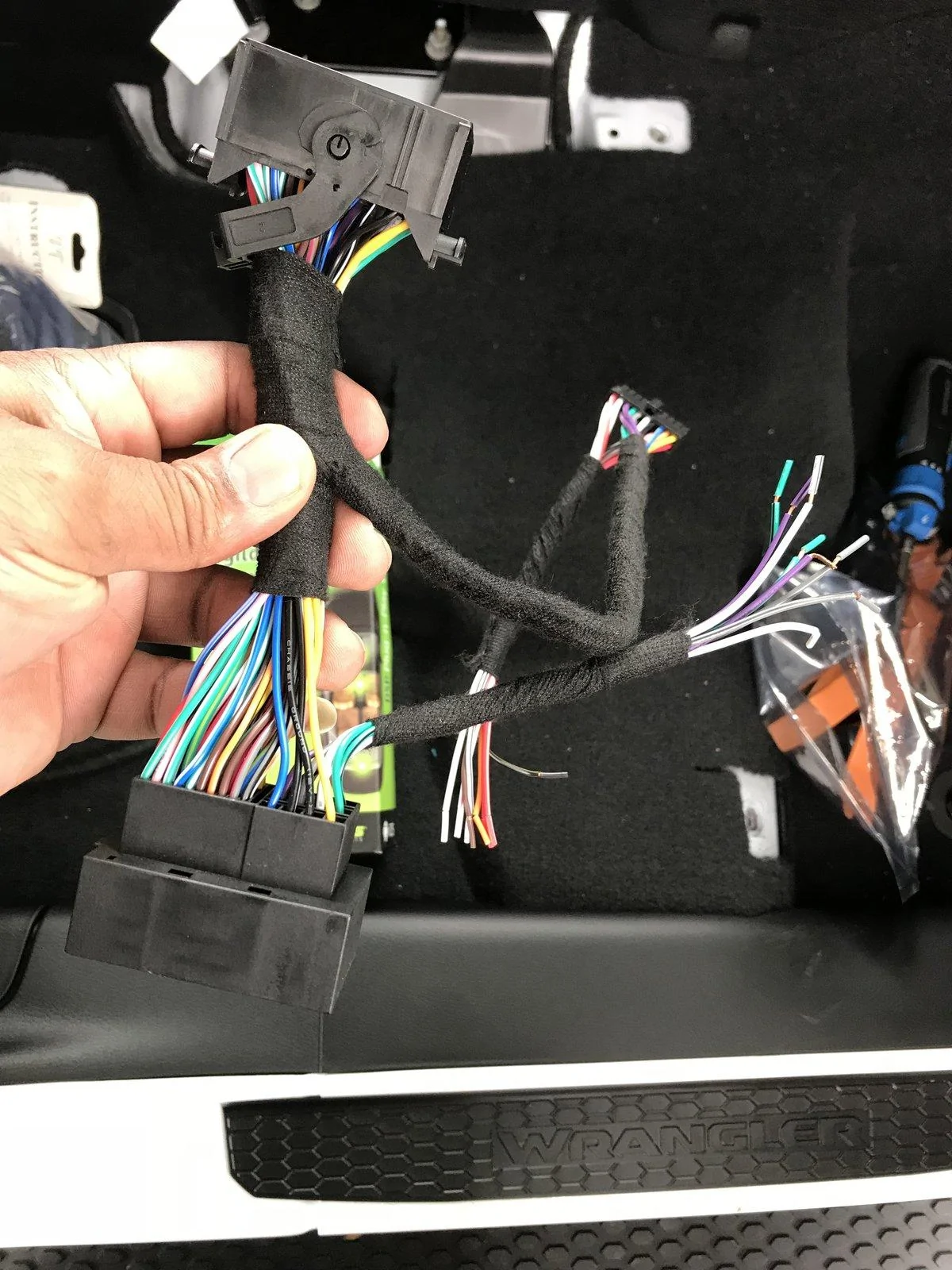
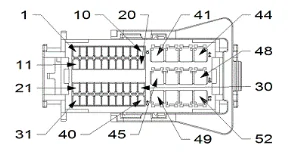
Left Front Windshield Grey/Violet (+) and Grey/Yellow (-)Update: In addition to the above speaker wiring, an image of the radio harness is attached, and I'm adding the wiring colors from the back of the base radio. There appears to be no amplifier in the base model system.
Left Front Kick
Right Front Windshield Dark Green/Violet (+) and Dark Green/Yellow (-)
Right Front Kick
Left Rear Sound Bar Grey/Green (+) and Grey/Dark Green (-)
Right Rear Sound Bar Dark Green/Green (+) and Dark Green/Grey (-)
Speaker wire colors at the radio, with pin number and polarity:
Base Radio
PIN Wire Speaker/Polarity System
45 DG/GN RIGHT REAR SPEAKER (+) BASE RADIO
46 DG/VT RIGHT FRONT SPEAKER (+) BASE RADIO
47 GY/VT LEFT FRONT SPEAKER (+) BASE RADIO
48 GY/GN LEFT REAR SPEAKER (+) BASE RADIO
49 DG/GY RIGHT REAR SPEAKER (-) BASE RADIO
50 DG/YE RIGHT FRONT SPEAKER (-) BASE RADIO
51 GY/YE LEFT FRONT SPEAKER (-) BASE RADIO
52 GY/DG LEFT REAR SPEAKER (-) BASE RADIO
Premium Radio
45 GY/DB RIGHT REAR SPEAKER (+) PREMIUM RADIO
46 GY RADIO RIGHT FRONT AUDIO (+) PREMIUM RADIO
47 DG RADIO LEFT FRONT AUDIO (+) PREMIUM RADIO
48 DG/DB LEFT REAR SPEAKER (+) PREMIUM RADIO
49 GY/OG RIGHT REAR SPEAKER (-) PREMIUM RADIO
50 GY/BN RADIO RIGHT FRONT AUDIO (-) PREMIUM RADIO
51 DG/BN RADIO LEFT FRONT AUDIO (-) PREMIUM RADIO
52 DG/OG LEFT REAR SPEAKER (-) PREMIUM RADIO


Sponsored