Namib
Well-Known Member
- Thread starter
- #1
I was looking for any easy/free way to get trail coordinates on the infotainment system. With Google Maps now available on CarPlay with the iOS12 update, it is reasonably straight forward. There is probably a better way, but here's what I've done:
1. Go to Trailsoffroad.com and select your favorite trail
2. On a PC, click GPX download and save the file to your hard drive
3. Create a Google account if you do not already have one
4. In Google Maps on a PC go to the Menu -> Your places
5. Click on Maps and Create a new Map. It should look like this. (I renamed mine to Offroad trails)

6. Click on Import and select the GFX file you saved from Trailsoffroad.com. You’ll get to something like this:

7. Plug into Jeep and go to CarPlay -> Google Maps.
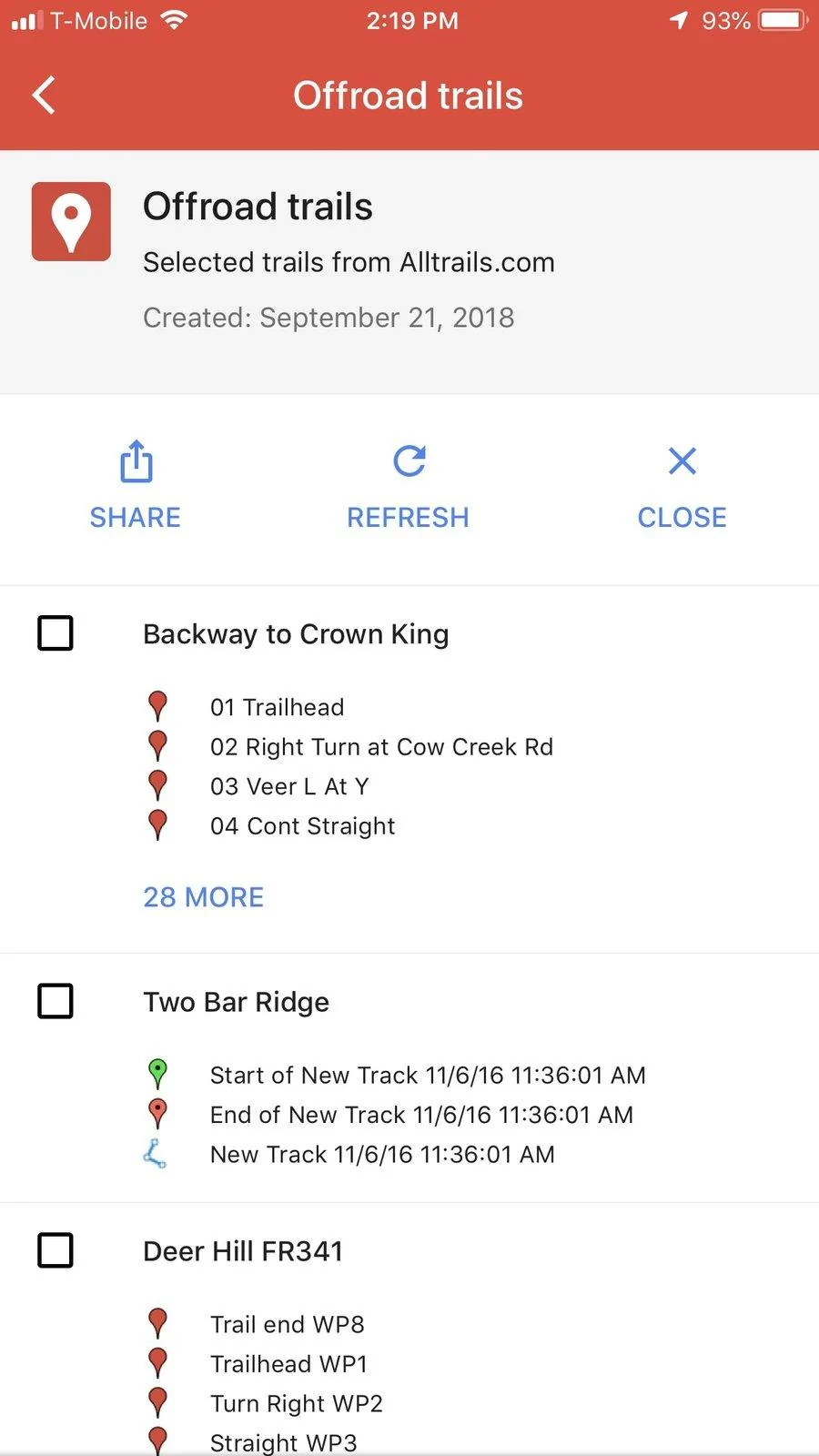
8. On your phone or on the infotainment, open Google Maps -> Menu -> Your Places -> Maps
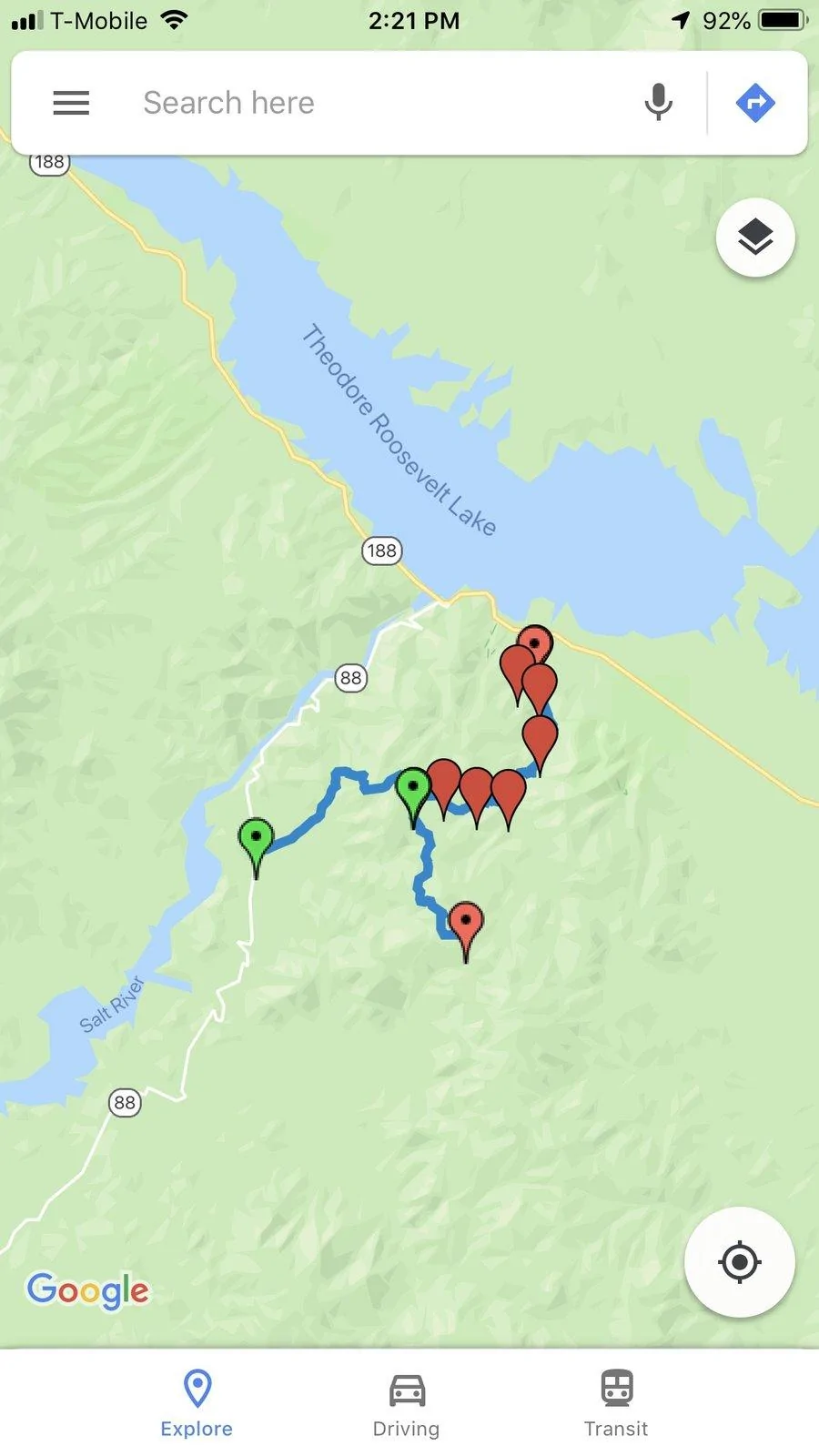
9. Open your Offroad map and select trail.
I have not tried while actually doing the trail, but I could get the trail showing up and use Google maps to navigrate to the trail start.
1. Go to Trailsoffroad.com and select your favorite trail
2. On a PC, click GPX download and save the file to your hard drive
3. Create a Google account if you do not already have one
4. In Google Maps on a PC go to the Menu -> Your places
5. Click on Maps and Create a new Map. It should look like this. (I renamed mine to Offroad trails)
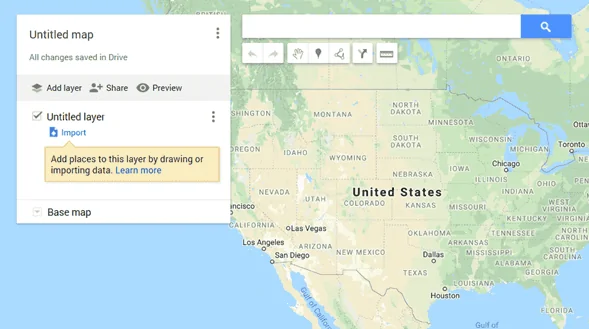
6. Click on Import and select the GFX file you saved from Trailsoffroad.com. You’ll get to something like this:
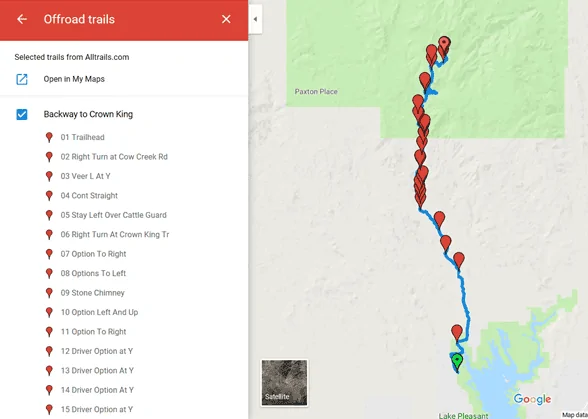
7. Plug into Jeep and go to CarPlay -> Google Maps.
8. On your phone or on the infotainment, open Google Maps -> Menu -> Your Places -> Maps
9. Open your Offroad map and select trail.
I have not tried while actually doing the trail, but I could get the trail showing up and use Google maps to navigrate to the trail start.
Sponsored
Last edited: