simpleJL
Well-Known Member
- First Name
- Kyle
- Joined
- Nov 29, 2017
- Threads
- 75
- Messages
- 1,452
- Reaction score
- 2,469
- Location
- East Bay, CA
- Vehicle(s)
- '18 JLUR
Which wire harness did you order?
Do you have any pictures of the install?
I got this cheapo $10 flush mounted camera here: http://a.co/eKzGMuHCan you post all the parts you used for this, model numbers and where you purchased them. I want to do this but don't know where to start.
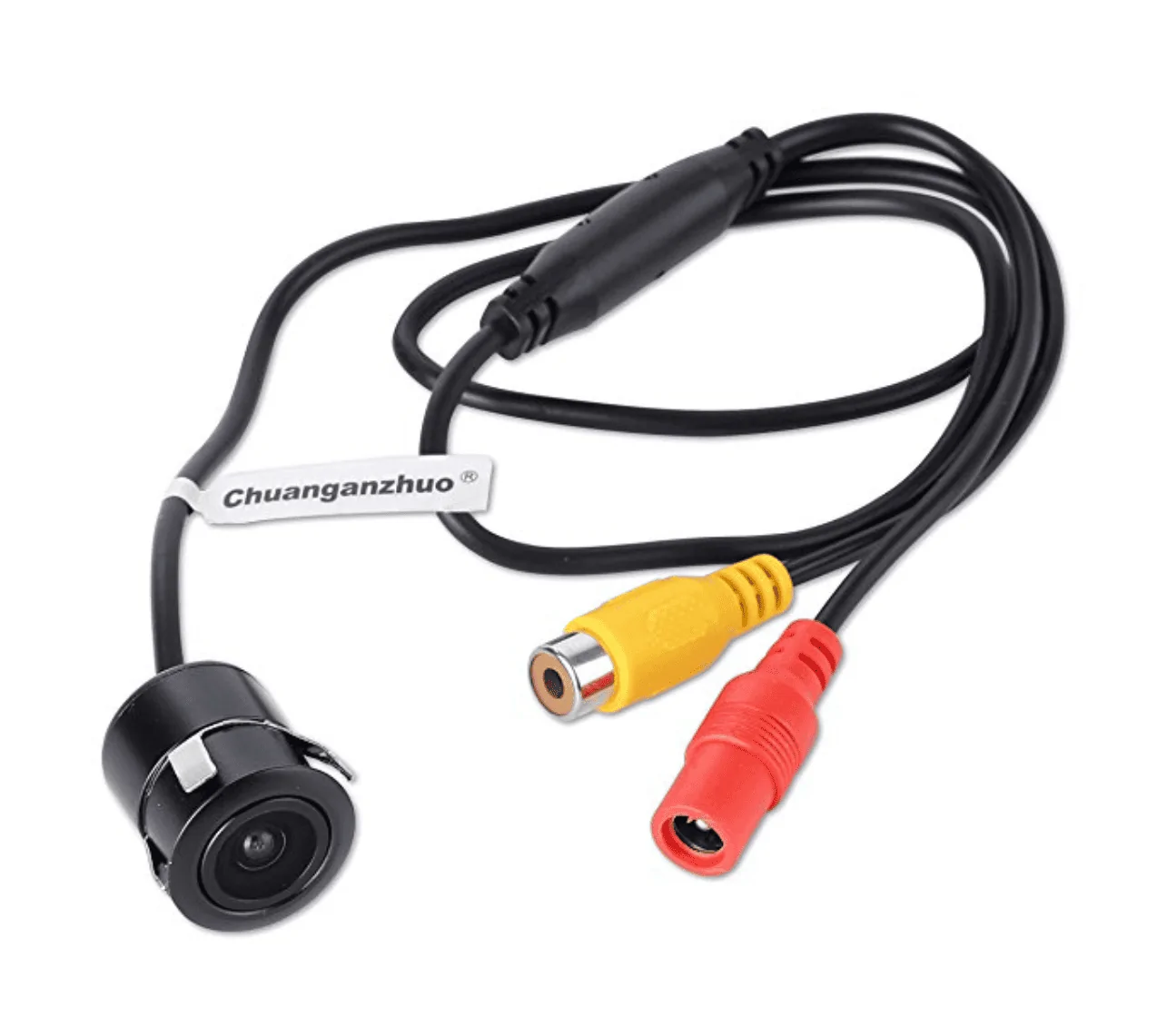
Video quality is meh, but it does the job and is cheap as all hell. I wired the camera to an aux switch for simplicity sake. Set the aux switch to accessory mode so the camera only gets juice when the vehicle is running.
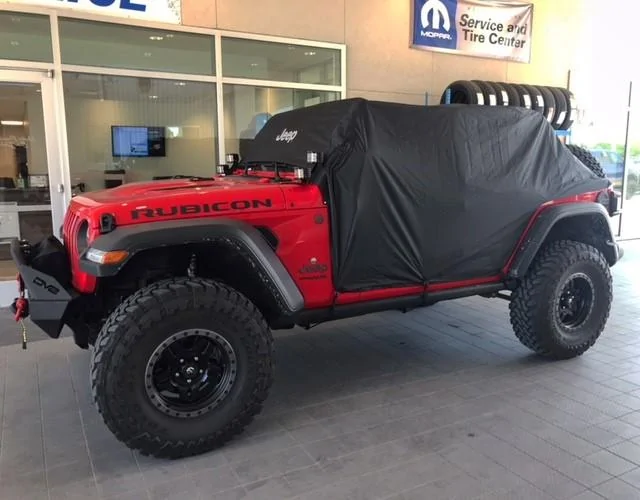
The camera is mounted facing 45 degrees downward on my DV8 FS-15 bumper. I don't know how you'd do it with this camera on a stock bumper - as it would be facing straight forward. There are adjustable front cameras out there on Amazon that would work better.
I contacted a few companies that make programmers/wiring stuff for our Jeeps and managed to get a pre-release little video wire from the Tazer comany Z Automotive. They aren't released yet - but they are in the process of making them for resale.

I slotted the two wires from this AV cable into the Uconnect main harness on the back of the stereo. It's AUX 1 Video on this image below.
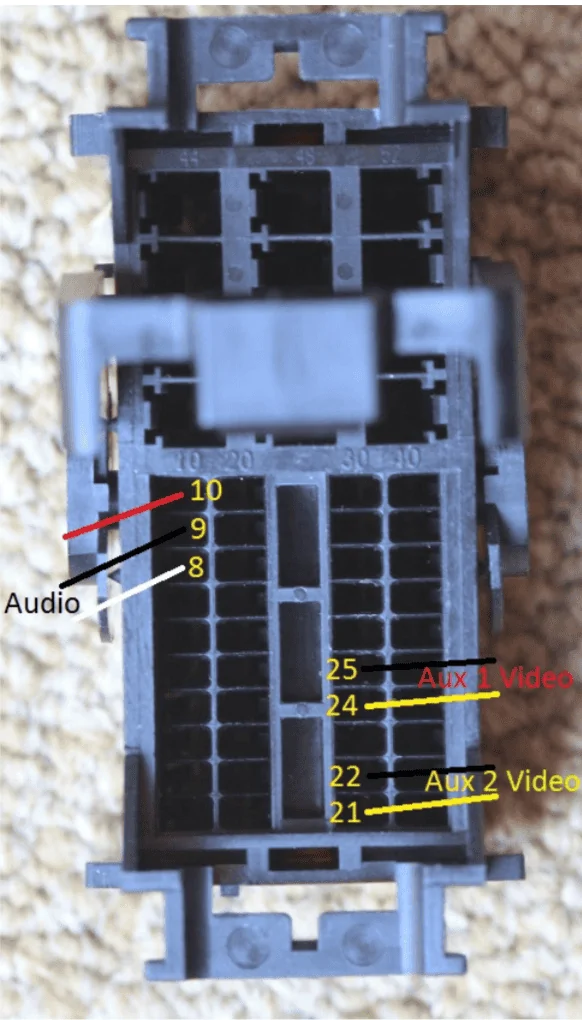
I used my Tazer programmer to enable the "cargo camera" - which is now selectable in the "backup camera" page in the Uconnect screen.
Sponsored