
Sponsored

Wbino
Well-Known Member
AI Overview
If your rear camera photos are reversed, you may need to adjust the "Mirror Image" setting in your device's camera app, or for a backup camera, you may need to cut a white wire on the camera's cable. If your phone's selfie camera saves the image reversed, you may want to check your camera settings for a "Mirror Front Camera" option or a similar feature to save them normally.
For a Smartphone
If your rear camera photos are reversed, you may need to adjust the "Mirror Image" setting in your device's camera app, or for a backup camera, you may need to cut a white wire on the camera's cable. If your phone's selfie camera saves the image reversed, you may want to check your camera settings for a "Mirror Front Camera" option or a similar feature to save them normally.
For a Smartphone
- 1. Check the Camera App Settings:
Open your camera app and look for a settings menu or an icon that might allow you to "Flip Image" or "Mirror Image".
- 2. Enable the Correct Setting:
If there's a "Mirror Front Camera" or similar option, you may want to turn it off for selfies to save them normally, or turn it on for a rear camera if you desire that specific function.
OP
OP
Terrymo
Well-Known Member
- Thread starter
- #3
AI Overview
If your rear camera photos are reversed, you may need to adjust the "Mirror Image" setting in your device's camera app, or for a backup camera, you may need to cut a white wire on the camera's cable. If your phone's selfie camera saves the image reversed, you may want to check your camera settings for a "Mirror Front Camera" option or a similar feature to save them normally.
For a Smartphone
- 1. Check the Camera App Settings:
Open your camera app and look for a settings menu or an icon that might allow you to "Flip Image" or "Mirror Image".
- 2. Enable the Correct Setting:
If there's a "Mirror Front Camera" or similar option, you may want to turn it off for selfies to save them normally, or turn it on for a rear camera if you desire that specific function.
OP
OP
Terrymo
Well-Known Member
- Thread starter
- #4
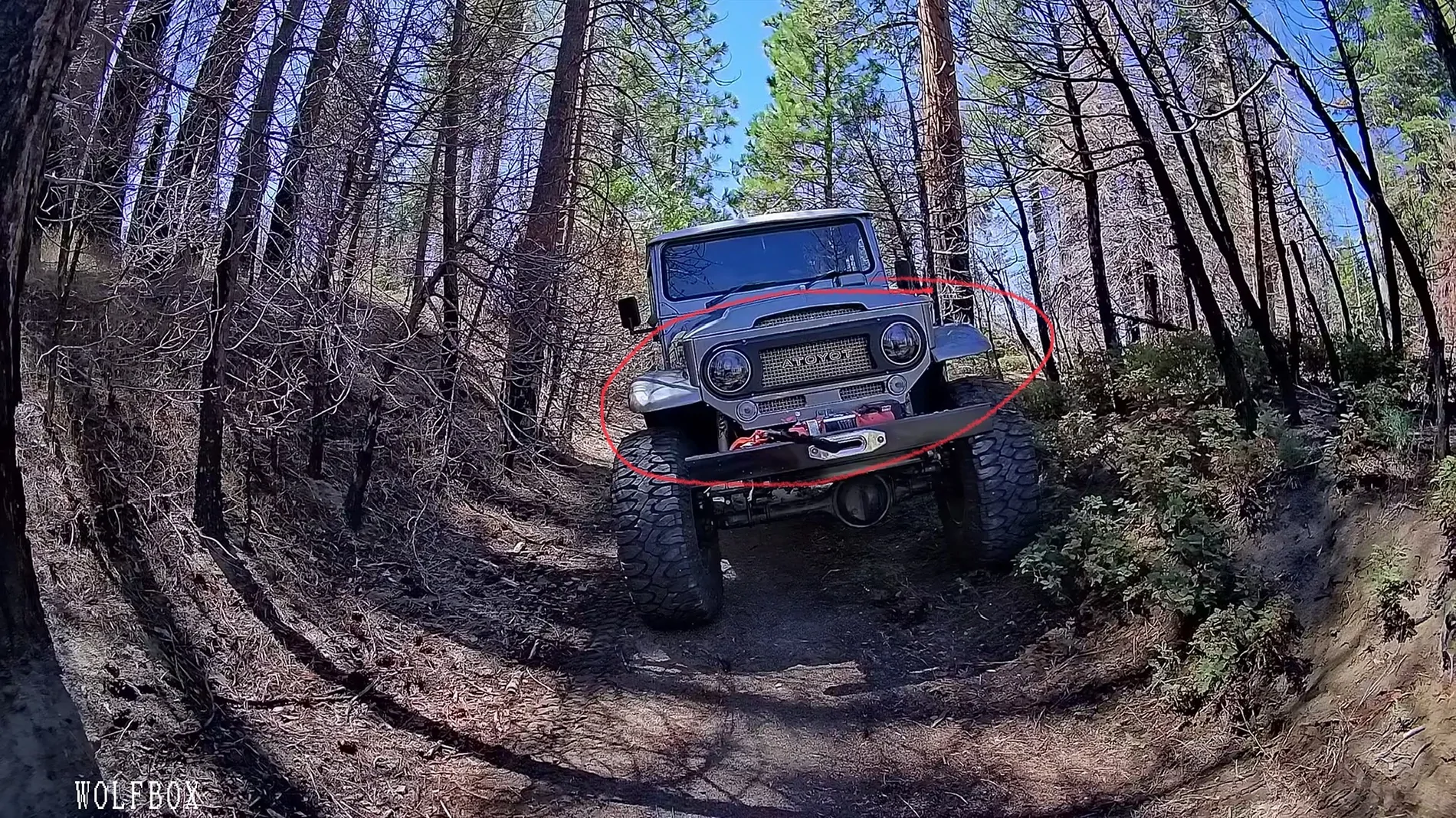
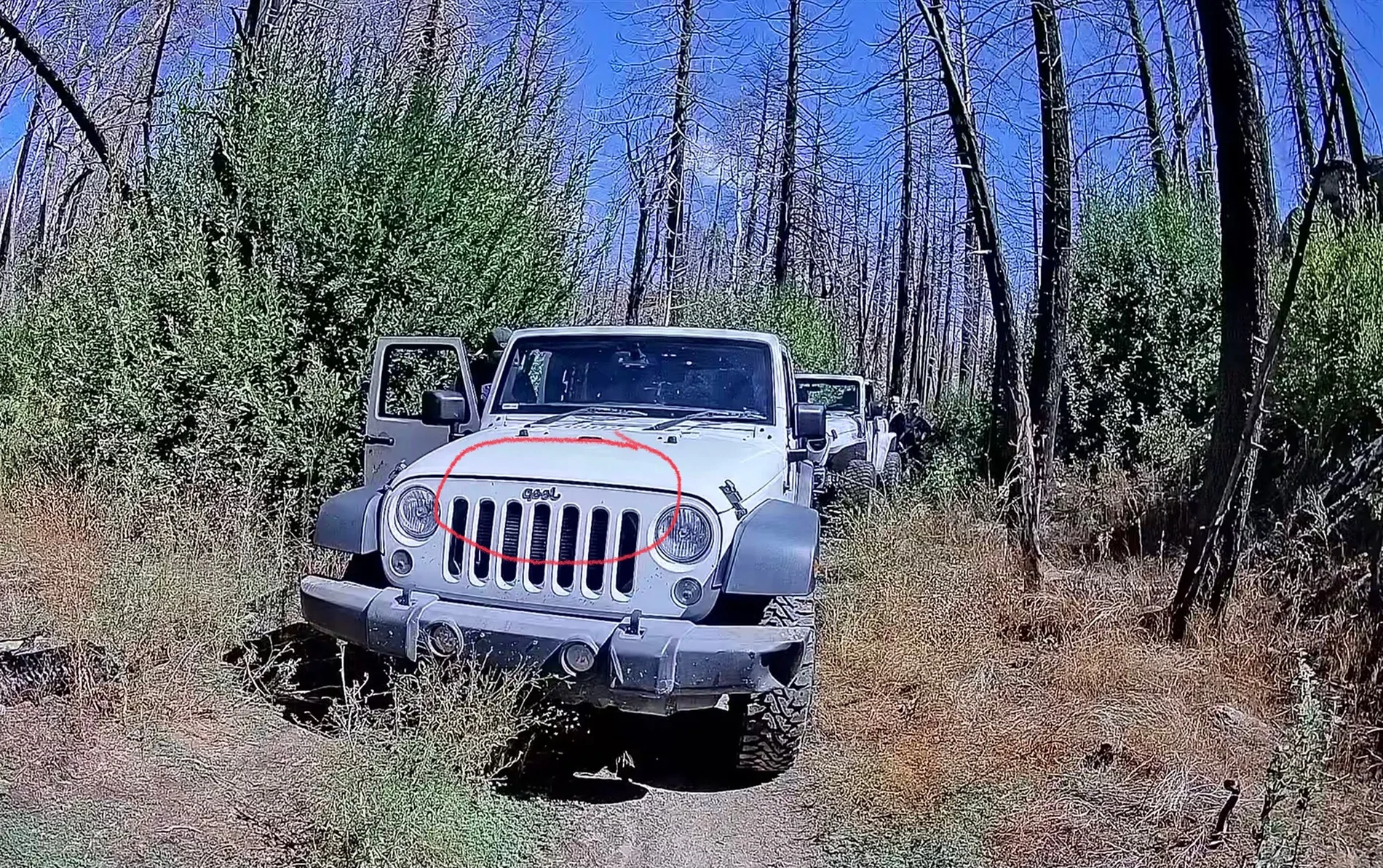
Thanks, I know I can flip to the mirror image on my iPhone. I’m just curious about the Wolfbox rear camera image showing correctly on the display but if I take a photo with the Wolfbox rear camera it’s reversed for some reason. I’m hoping I’m just missing a Wolfbox setting. @wibornz any insight?

yokramer
Well-Known Member
Yea you need to stop relying on ai cause its shit homie.AI Overview
If your rear camera photos are reversed, you may need to adjust the "Mirror Image" setting in your device's camera app, or for a backup camera, you may need to cut a white wire on the camera's cable. If your phone's selfie camera saves the image reversed, you may want to check your camera settings for a "Mirror Front Camera" option or a similar feature to save them normally.
For a Smartphone
- 1. Check the Camera App Settings:
Open your camera app and look for a settings menu or an icon that might allow you to "Flip Image" or "Mirror Image".
- 2. Enable the Correct Setting:
If there's a "Mirror Front Camera" or similar option, you may want to turn it off for selfies to save them normally, or turn it on for a rear camera if you desire that specific function.
Sponsored

yokramer
Well-Known Member
It really is insane how wrong it is most of the time and people just blindly follow what gets shit out.Even ChatGPT knows AI is shit

Wbino
Well-Known Member
At least this lazy forum member tried to answer your question before the maker of the expensive toy you have has....Thanks, I know I can flip to the mirror image on my iPhone. I’m just curious about the Wolfbox rear camera image showing correctly on the display but if I take a photo with the Wolfbox rear camera it’s reversed for some reason. I’m hoping I’m just missing a Wolfbox setting. @wibornz any insight?


Wbino
Well-Known Member
Yea you need to stop relying on ai cause its shit homie.

Sponsored

PT's19Rubi
Well-Known Member
If you look in your rear view mirror, the view is reversed (mirrored - "Jeep" is backwards). A rear facing camera really should do the same, so that you see the same image that you see in the rear view. And, like others have said, changing that image should be in the camera's settings. My guess, and it's just a guess, is that you have a setting for "mirror" for video, and another setting for still shots, and the two are set opposite to each other.
OP
OP
Terrymo
Well-Known Member
- Thread starter
- #12
That makes sense. Thanks. I guess I’ll be forced to actually read the instructions.If you look in your rear view mirror, the view is reversed (mirrored - "Jeep" is backwards). A rear facing camera really should do the same, so that you see the same image that you see in the rear view. And, like others have said, changing that image should be in the camera's settings. My guess, and it's just a guess, is that you have a setting for "mirror" for video, and another setting for still shots, and the two are set opposite to each other.
yokramer
Well-Known Member
Instructions? GrossThat makes sense. Thanks. I guess I’ll be forced to actually read the instructions.
Sponsored


