mopac001
Active Member
- First Name
- Patrick
- Joined
- Nov 20, 2017
- Threads
- 4
- Messages
- 42
- Reaction score
- 16
- Location
- Kansas City
- Vehicle(s)
- 2021 Unlimited Sahara Snazzberry
- Thread starter
- #1
I have recently purchased an OBDLink MX+ for use with my 2018 Silverado which threw a CEL. It gave me a good excuse since I knew it would get me the Silverado's code AND could be useful with my 2021 JLU Sahara. (3.6L engine) if I wanted to use JScan. (Will probably go with a Tazer JL Mini but this gave me a cheaper alternative in the short term.)
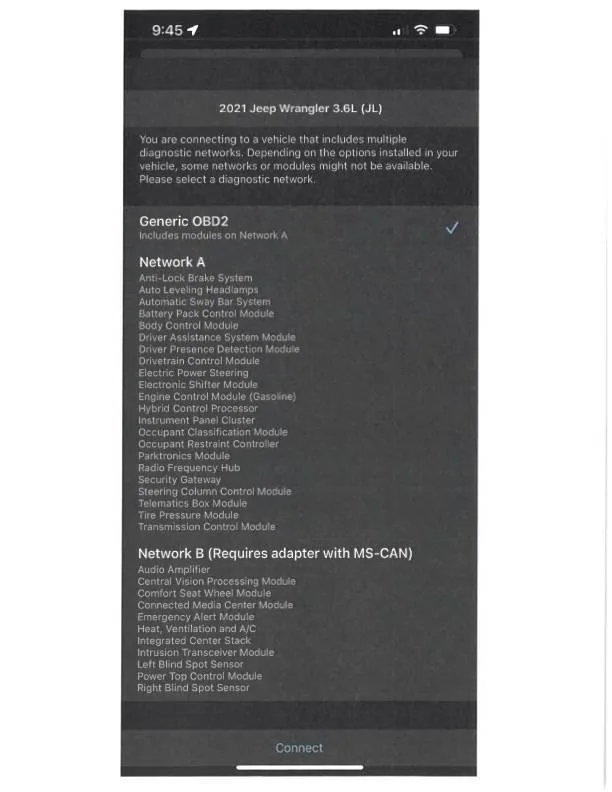
I suspected the OBDLink MX+ and the OBDLink iOS app alone wouldn't be capable of clearing codes on the JL given the SGW. But I figured I could at least read. The MX+ did correctly identify the JL and its engine. I also was prompted to select "Get Enhanced OEM Add-Ons" which I did. I didn't have a CEL or MIL on JL for it to report on but it did report a stored U0184-00 (Lost Communication With Radio). (This one made total sense as twice in the two years since I bought it new I've had to pull the fuse for the radio because the radio (8.4 UConnect) failed to shutoff after parking, exiting and locking the vehicle. (A solution I found here in the forums.)
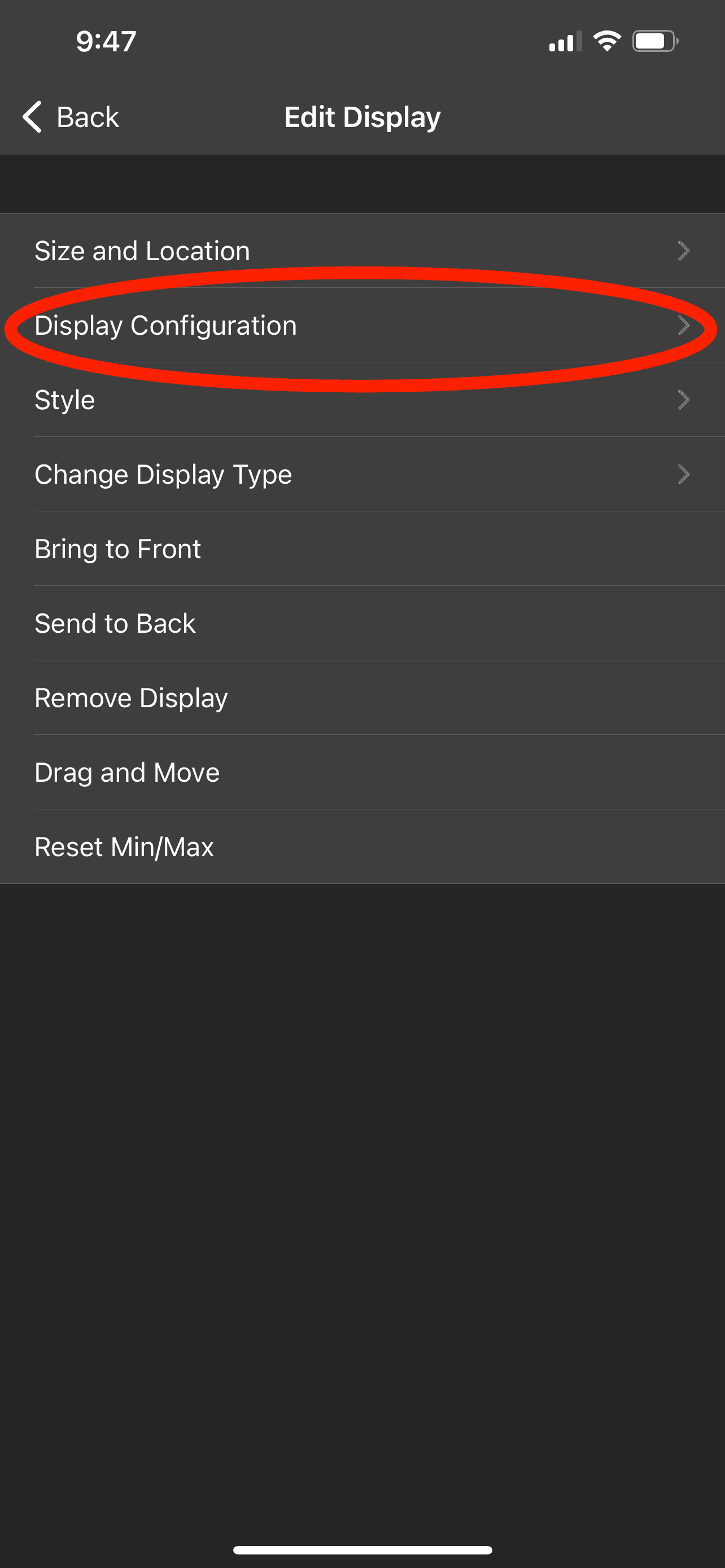
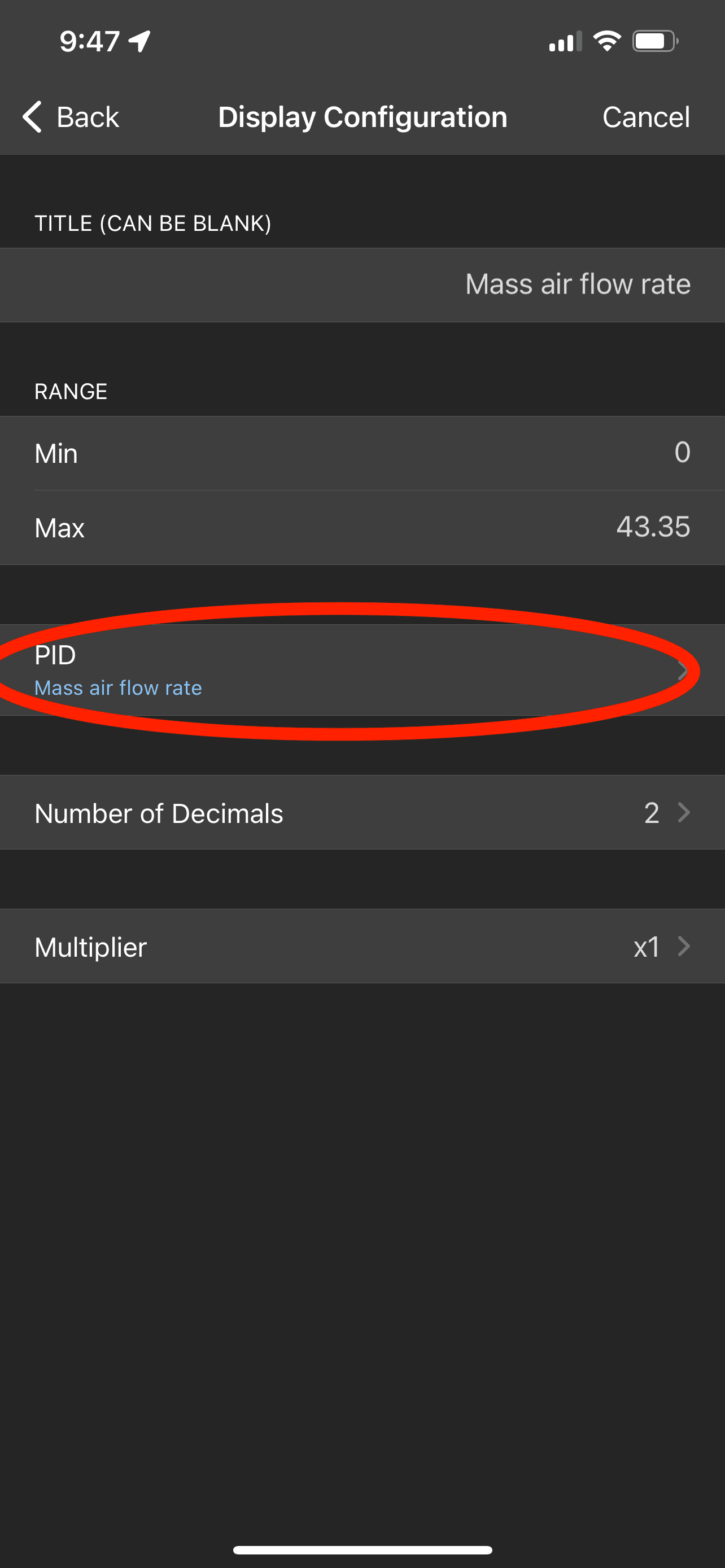
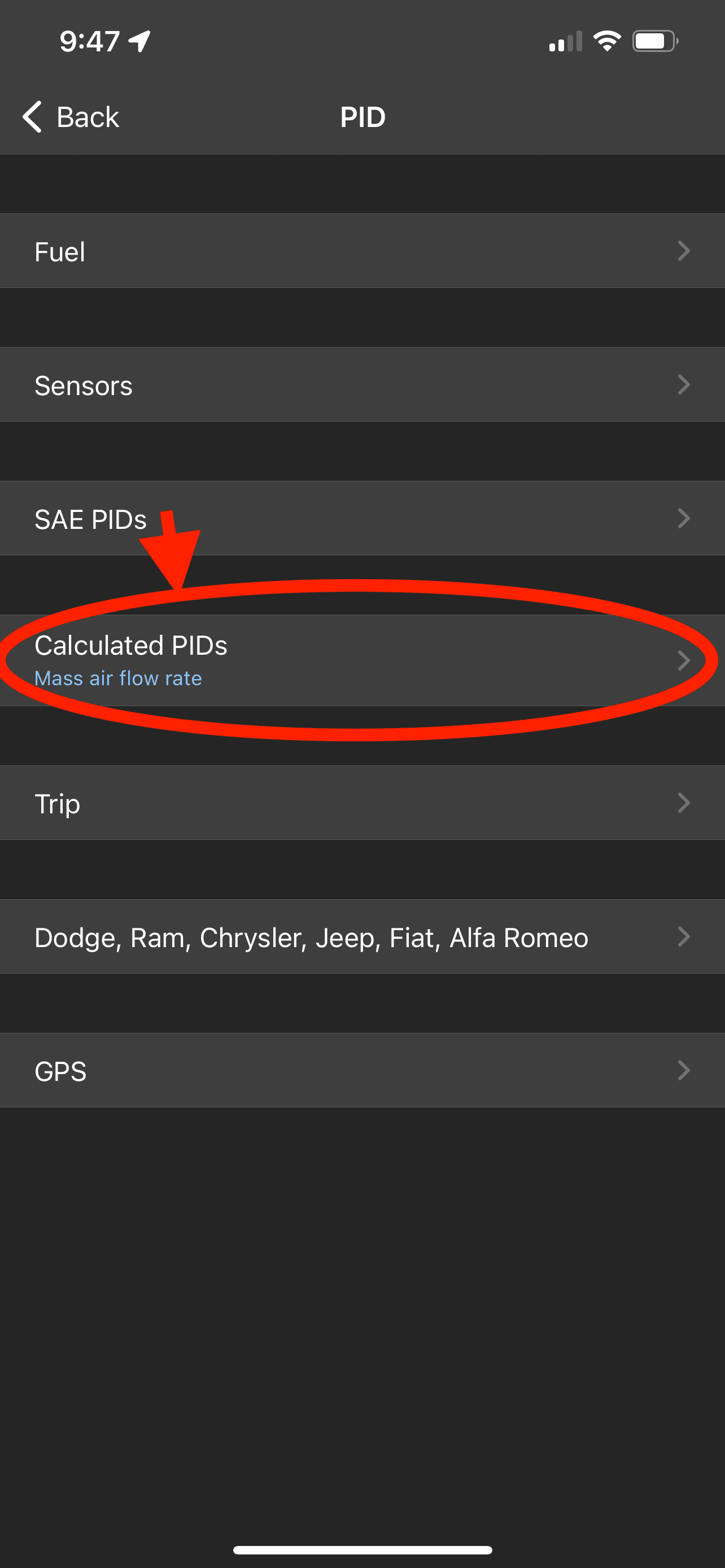
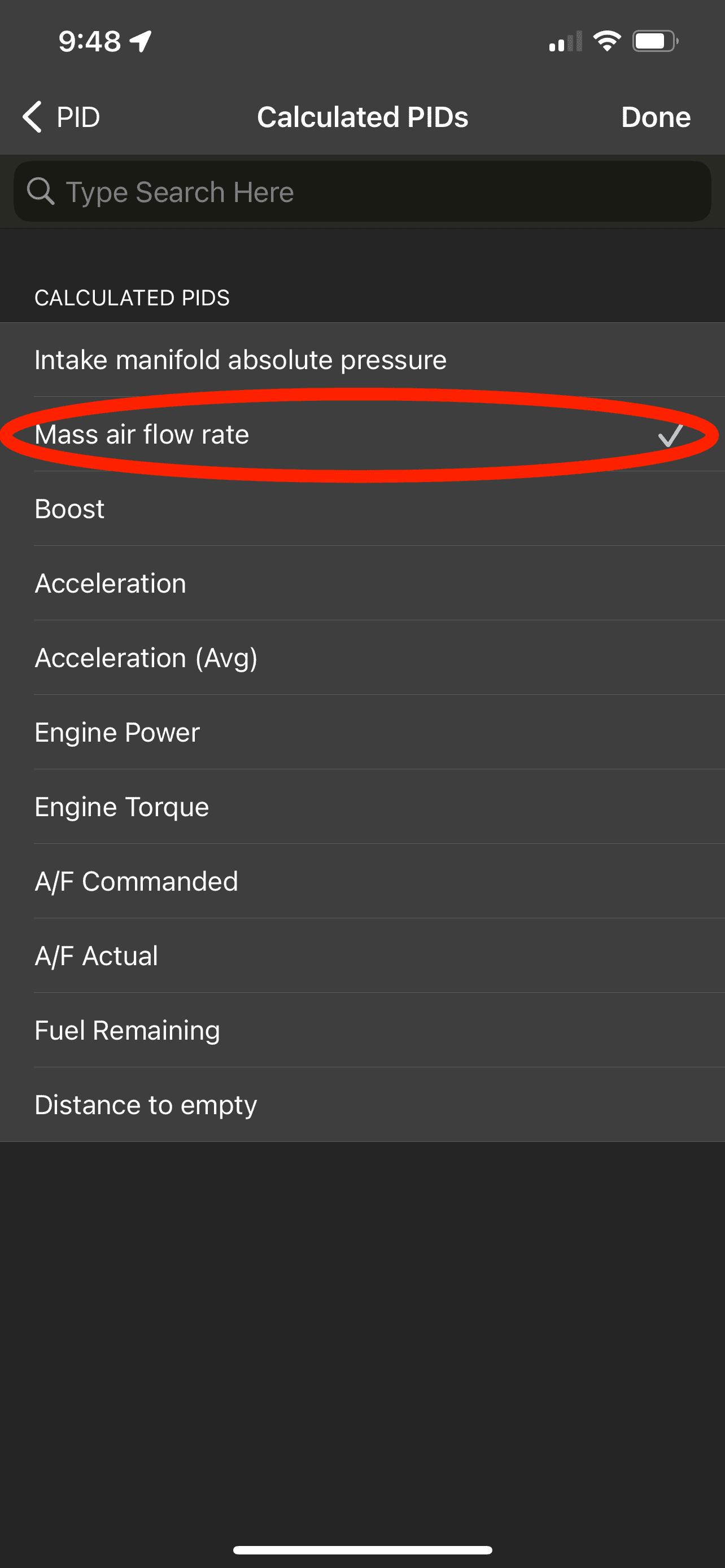
When I went to use the Dashboards function of the OBDLink iOS app the only gauge that reported anything was the battery voltage. I sent a note to OBDLink technical support asking if a SGW Bypass would address this issue and if in place allow their app to reset codes as well. They responded that they haven't heard of people having much luck with that. They also couldn't suggest an appropriate value in their app for the 3.6L's Volumetric Efficiency (suggests somewhere between 65% and 85%) or Brake Specific Fuel Consumption (suggests somewhere between 0.40 and 0.50 for naturally aspirated engine).
Has anyone used the OBDLink iOS app with just the MX+ reader and been able to use gauges? Has anyone added just a base ZAutomotive or ECRI SGW bypass and been able to use gauges and reset codes with the OBDLink iOS app? Does anyone know the correct values for the 3.6L's volumetric efficiency and brake specific fuel consumption?
I suspected the OBDLink MX+ and the OBDLink iOS app alone wouldn't be capable of clearing codes on the JL given the SGW. But I figured I could at least read. The MX+ did correctly identify the JL and its engine. I also was prompted to select "Get Enhanced OEM Add-Ons" which I did. I didn't have a CEL or MIL on JL for it to report on but it did report a stored U0184-00 (Lost Communication With Radio). (This one made total sense as twice in the two years since I bought it new I've had to pull the fuse for the radio because the radio (8.4 UConnect) failed to shutoff after parking, exiting and locking the vehicle. (A solution I found here in the forums.)
When I went to use the Dashboards function of the OBDLink iOS app the only gauge that reported anything was the battery voltage. I sent a note to OBDLink technical support asking if a SGW Bypass would address this issue and if in place allow their app to reset codes as well. They responded that they haven't heard of people having much luck with that. They also couldn't suggest an appropriate value in their app for the 3.6L's Volumetric Efficiency (suggests somewhere between 65% and 85%) or Brake Specific Fuel Consumption (suggests somewhere between 0.40 and 0.50 for naturally aspirated engine).
Has anyone used the OBDLink iOS app with just the MX+ reader and been able to use gauges? Has anyone added just a base ZAutomotive or ECRI SGW bypass and been able to use gauges and reset codes with the OBDLink iOS app? Does anyone know the correct values for the 3.6L's volumetric efficiency and brake specific fuel consumption?
Sponsored