Sponsored

Laptop memory help

Chocolate Thunder

Well-Known Member
First Name
Jeremy
Joined
Feb 20, 2018
Threads
221
Messages
5,353
Reaction score
10,507
Location
Texas
Vehicle(s)
2019 Wrangler Unlimited Rubicon
Build Thread
Link
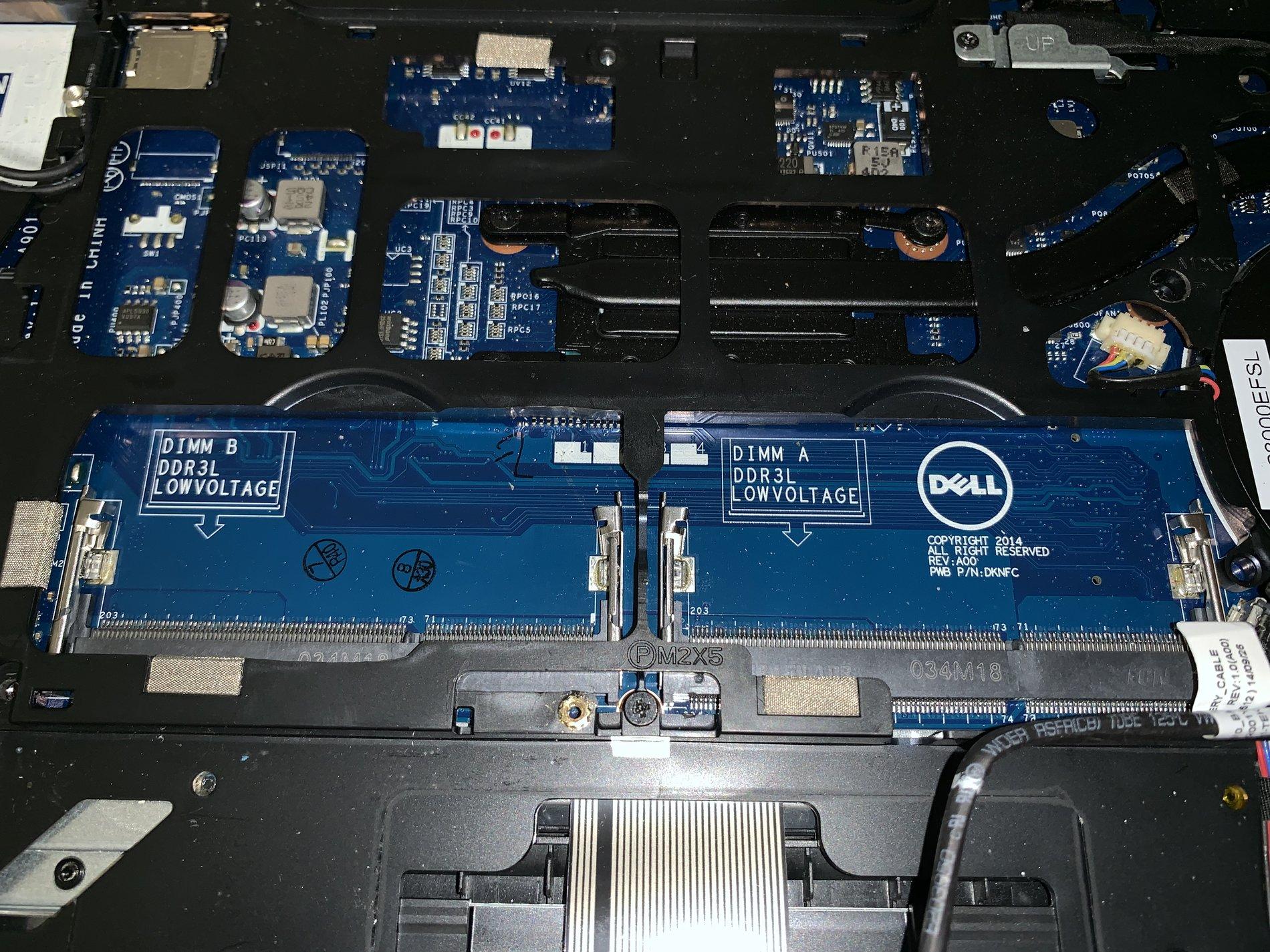
I know that many of you are computer savvy, I’m not. I’m hoping someone can help me out with information on memory upgrade for a Dell laptop. It’s a Latitude E5450. It has 2 slots, each capable of holding 8BM. It currently has one 4MB stick in slot 1. What I want to know is, is this compatible?
https://m.newegg.com/products/N82E16820231705


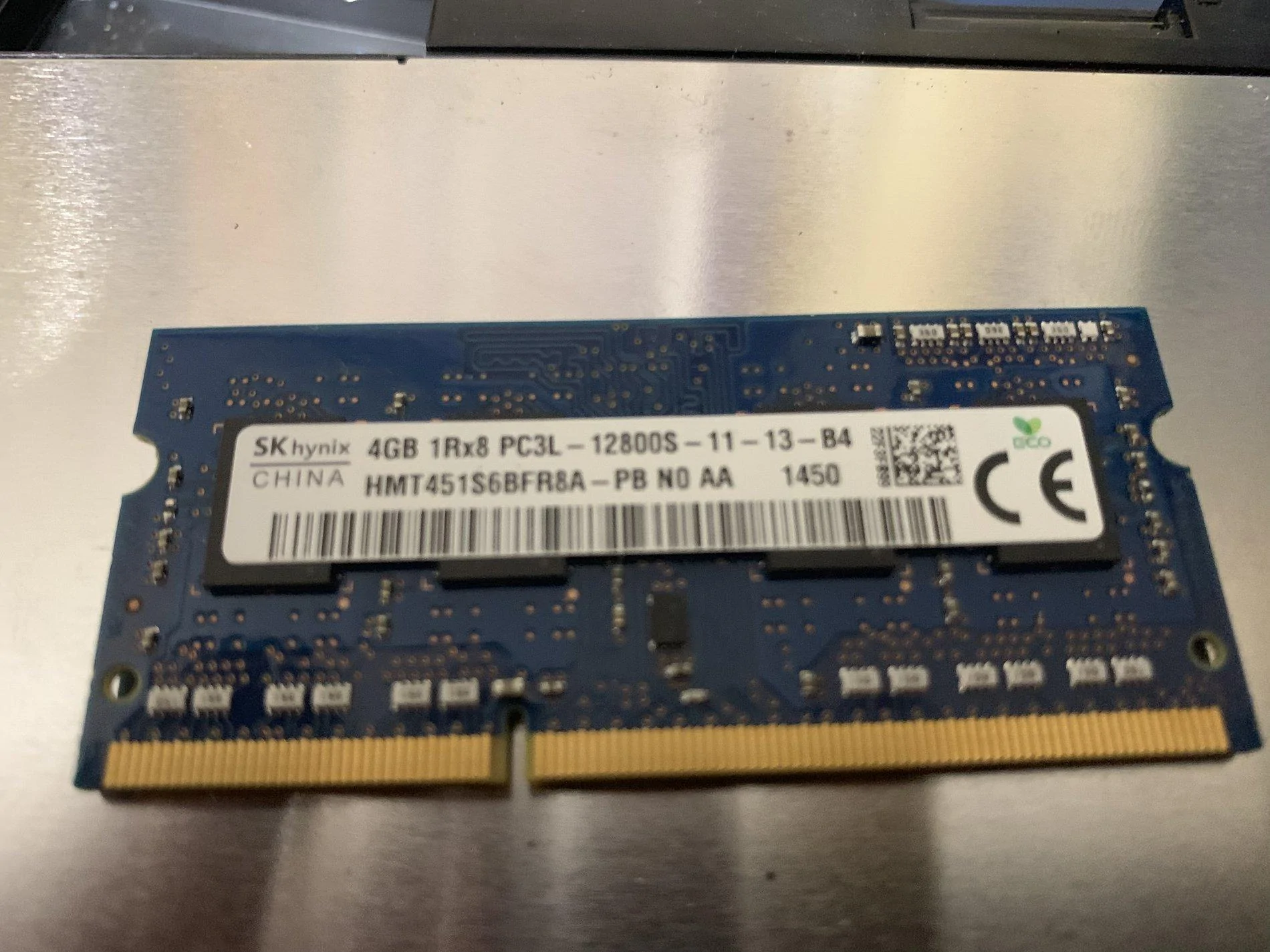
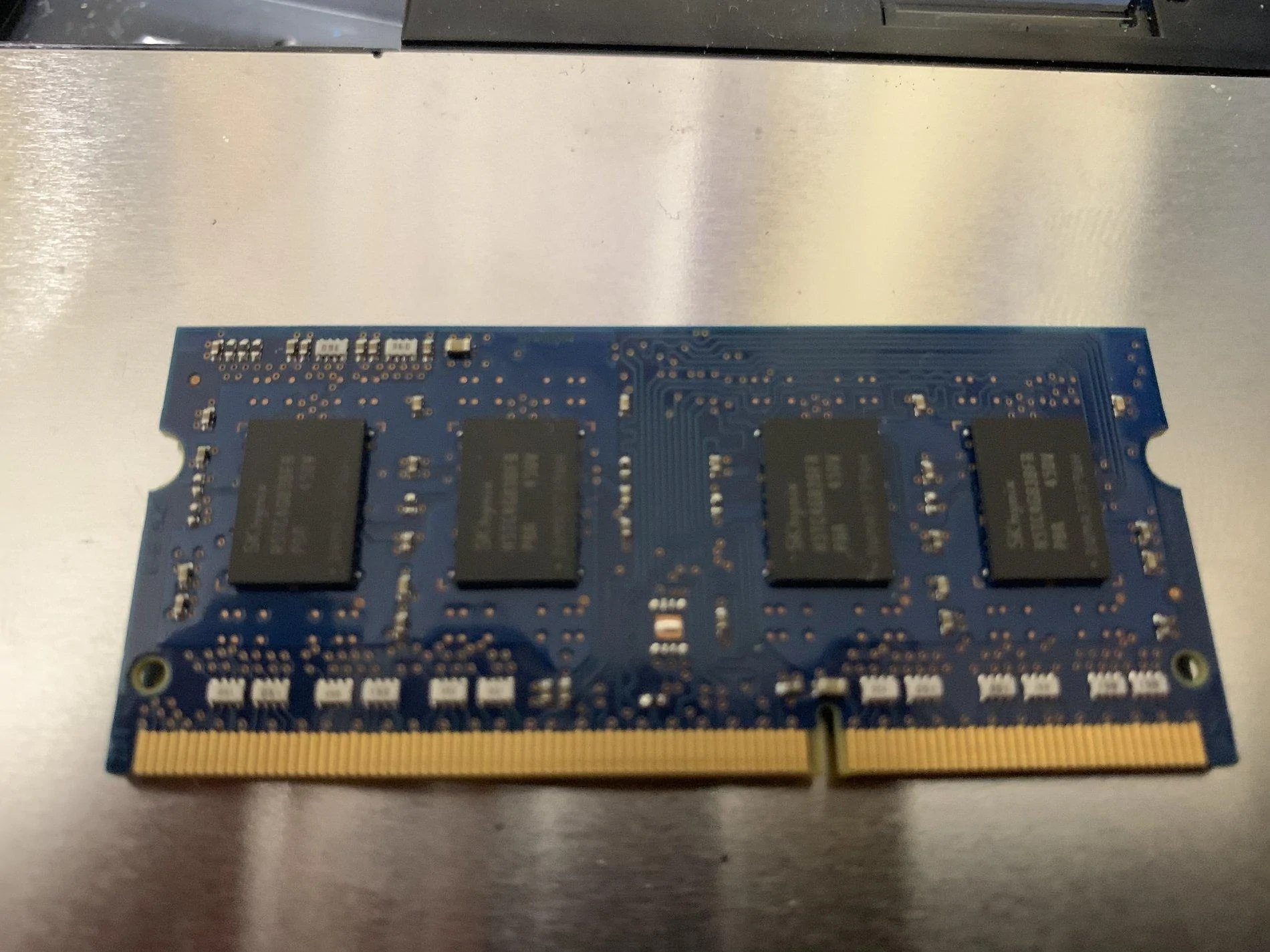
Heres’s what’s currently in there.
Jeep Wrangler JL Laptop memory help 5A1CA811-CB18-42E5-BDE7-DEB0D62C0AD3


Jeep Wrangler JL Laptop memory help C797B50D-6876-46C3-90EA-91B65A460294


Jeep Wrangler JL Laptop memory help A30B53AF-D072-4A42-BA4D-33F4572B2763
Sponsored


Arterius2

Well-Known Member
First Name
Jerry
Joined
Dec 29, 2018
Threads
42
Messages
3,527
Reaction score
4,857
Location
Vancouver, BC
Vehicle(s)
2018 JLU Sahara 2.0L
that is 4GB, not MB, and yes that is compatible.

Both are SO-DIMM DDR3 Memories. Will fit no issue, One Wrench on the difficulty scale!
 
Last edited:

JP18

Well-Known Member
First Name
J.P.
Joined
Jul 10, 2018
Threads
1
Messages
129
Reaction score
95
Location
Columbia, SC
Vehicle(s)
2018 JL Unlimited Rubicon
Yes, that’s what I meant. 4 MB would really suck! Lol.

I know it will physically fit, but will there be any incompatibilities?
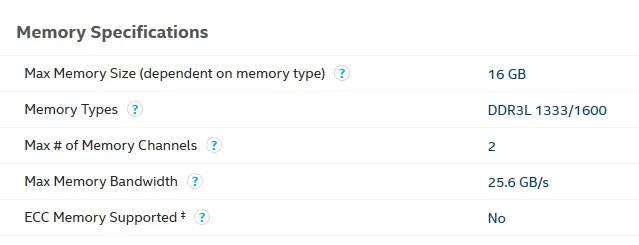
Be careful here. I loaded up the specs on your E5450 and this is what it gave me:

Memory type DDR3L SDRAM (1600 MHz)
Minimum memory 4 GB
Maximum memory
Intel 4th Generation Processors 8 GB
Intel 5th Generation Processors 16 GB
If your processor is 4th gen, you can have 8Gb, 5th can have 16GB.

You need to take a pic of the CPU and post it, or google the code on it and find out if it's a 4th or 5th gen.

JP18
 

Arterius2

Well-Known Member
First Name
Jerry
Joined
Dec 29, 2018
Threads
42
Messages
3,527
Reaction score
4,857
Location
Vancouver, BC
Vehicle(s)
2018 JLU Sahara 2.0L
Be careful here. I loaded up the specs on your E5450 and this is what it gave me:


If your processor is 4th gen, you can have 8Gb, 5th can have 16GB.

You need to take a pic of the CPU and post it, or google the code on it and find out if it's a 4th or 5th gen.

JP18
It's fine, I have Intel 3rd gen and have 16GB in there all the same, my 4th gen is running 64GB, the CPU don't matter, it's the chipset. Haven't seen one that doesn't support 16GB, been running that as bare minimum for my memory capacity for almost a decade.
 

Sponsored

JP18

Well-Known Member
First Name
J.P.
Joined
Jul 10, 2018
Threads
1
Messages
129
Reaction score
95
Location
Columbia, SC
Vehicle(s)
2018 JL Unlimited Rubicon
It's fine, I have Intel 3rd gen and have 16GB in there all the same, my 4th gen is running 64GB, the CPU don't matter, it's the chipset. Haven't seen one that doesn't support 16GB, been running that as bare minimum for my memory capacity for almost a decade.
I'll have to take your word on it - but that website says otherwise :)

JP18


Top