Florida Brent
Member
- Joined
- Mar 29, 2023
- Threads
- 3
- Messages
- 6
- Reaction score
- 3
- Location
- Melbourne Florida
- Vehicle(s)
- 2018 JL sahara unlimited
- Thread starter
- #1
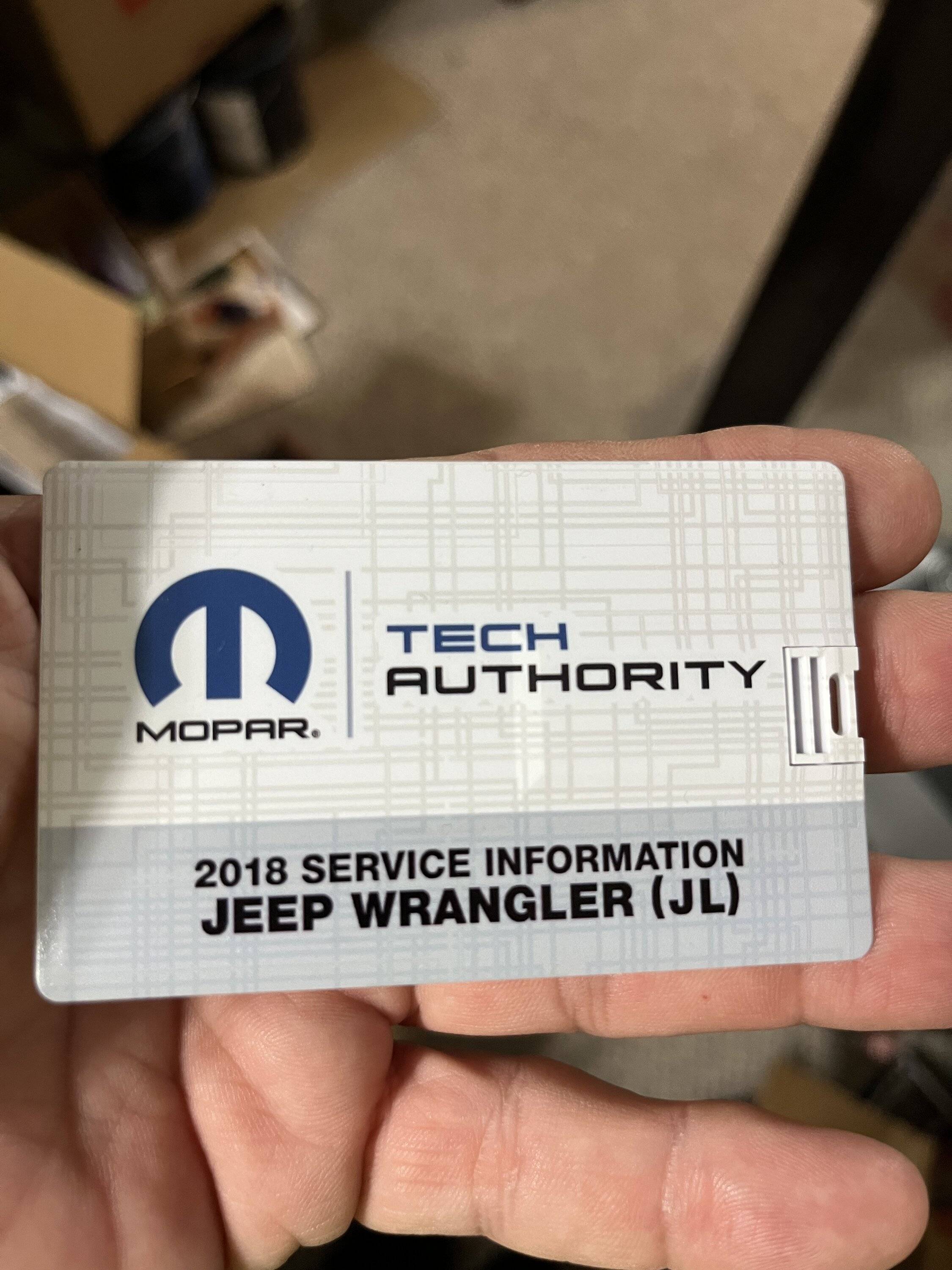
Looked into getting a 2018 JLU service manual. Found out only Mopar Tech Authority is the only source and only in a USB format.
Bought it and found out my iMac (apple) cannot access the USB. Contacted Tech Authority and was told only WINDOW based computers can access USB and restocking the USB (return) costs 20% fee. Not sure if Chrome Books can access the USB but the TA contact stated MS WINDOW only PC.
So got ahold of a cheap Window Laptop and after a little work around got the Tech Auth USB drive to be written on the Window Laptop.
However I found out that to view the USB service files I had to keep the Tech Auth USB installed (not downloaded) into the Laptop.
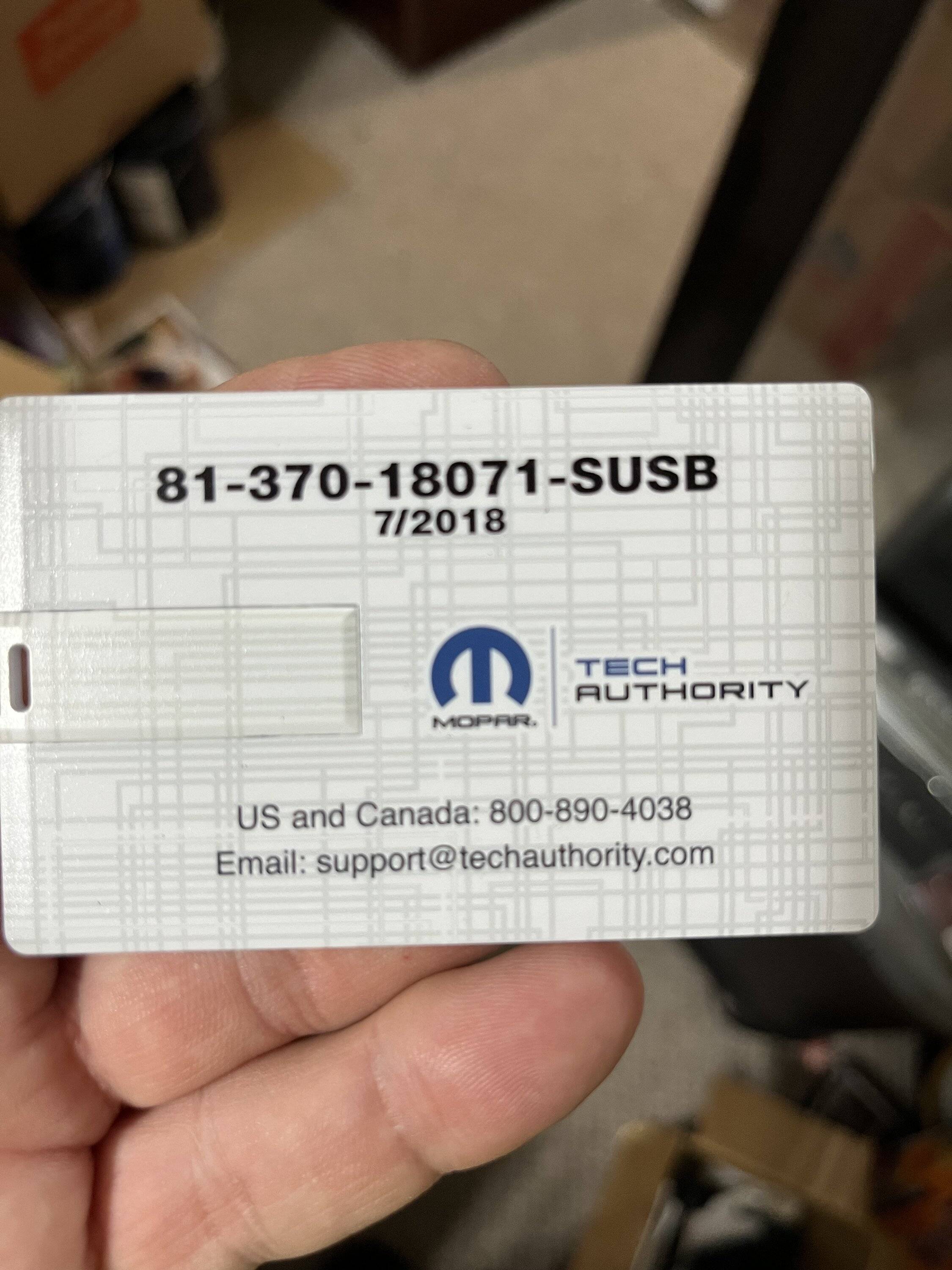
Is there anyway to upload / download the Tech Auth Service Manual files on the PC laptop without keeping the USB drive installed. The Tech Auth USB drive form is not like a standard size USB and it sticks out far enough to be easily broken.
Any ideas?

Bought it and found out my iMac (apple) cannot access the USB. Contacted Tech Authority and was told only WINDOW based computers can access USB and restocking the USB (return) costs 20% fee. Not sure if Chrome Books can access the USB but the TA contact stated MS WINDOW only PC.
So got ahold of a cheap Window Laptop and after a little work around got the Tech Auth USB drive to be written on the Window Laptop.
However I found out that to view the USB service files I had to keep the Tech Auth USB installed (not downloaded) into the Laptop.
Is there anyway to upload / download the Tech Auth Service Manual files on the PC laptop without keeping the USB drive installed. The Tech Auth USB drive form is not like a standard size USB and it sticks out far enough to be easily broken.
Any ideas?
Sponsored