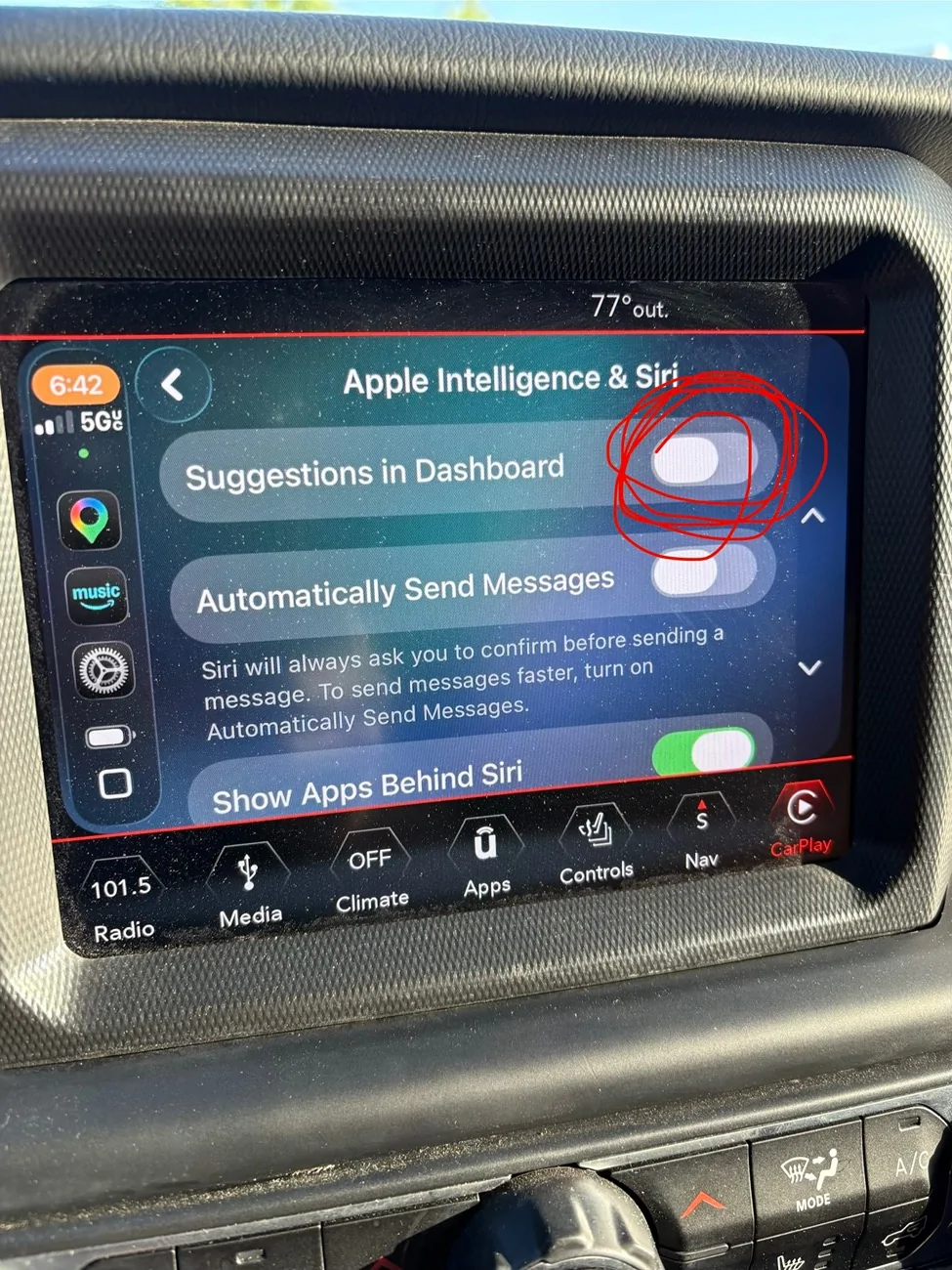
tk30184
Member
- Thread starter
- #1
I have watched several videos and read so many different instructions I’m going cross-eyed. I have a 2019 Rubicon and I don’t want my calendar showing up on my CarPlay screen. I removed the app from the general settings altogether so why is it even coming up on my screen? I've gone through numerous other notification settings and disabled them as well as it pertains specifically to the calendar app. And even did all this same thing with Google Calendar even though it’s not even listed in the apps in my CarPlay. Any ideas?
Sponsored